6.
ambient temperature below 35°F (1.7°C)
7.
turn signal on
8.
incoming instant or Qualcomm messages
9.
service warnings
10.
no datalink activity
Alert Screens
NOTE: If there is more than one alert message
to display, pressing the +/- INFO switch or the
Selection?
To toggle
MI
HOURS
no
NOTE:
* Flash screen text
**Display active mode
Select NO
to disable
Service Intervals
Press & Hold to reset all
Service Interval counters
To toggle
MI
To toggle
Tap
To toggle
ON
HRS
MI
no
Tap
TapTap
Tap Tap Tap
Tap
Tap
TapTap
Press & Hold
Press & Hold
Press & Hold
Press & Hold
Press & Hold Press & Hold
Press & Hold
Press & HoldPress & Hold
Press & Hold
SET UP SELECT
*MI
SET UP
WARN°T
*on
LCD LMP
*on
**MI **HOURS
**no
RESET
**MI **HOURS
*no
SELECT
*MI *HOURS
*no
SERVICE SERVICE SERVICE
*12345
MI
SERVICE
*12345
HOURS
SERVICE
RESET
EE
DONE
f040755
01/30/2012
OFF
KM
ON OFF
To Odometer
From Engine
Miles/Hours Screen
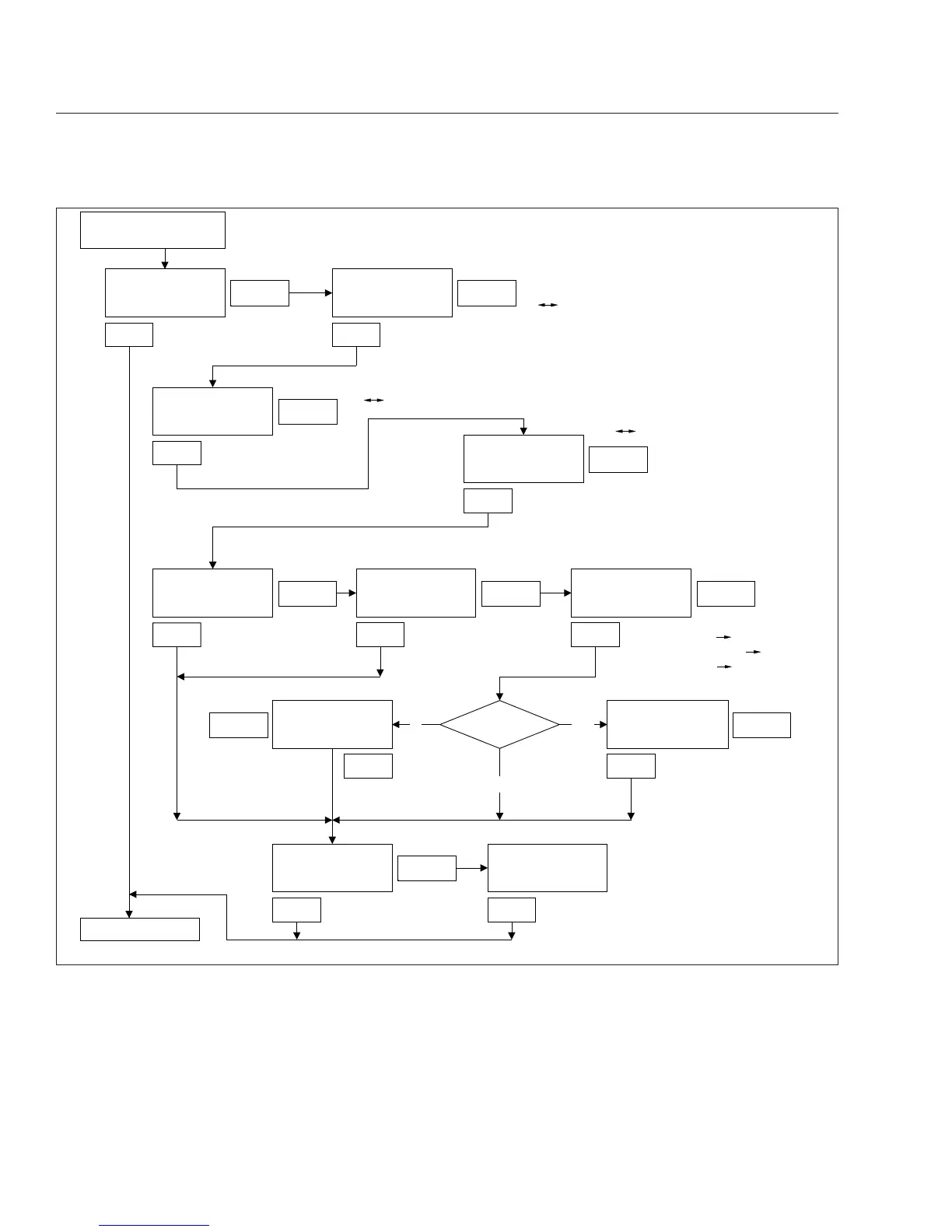
Fig. 4.9, ICU4 Setup Screens
Instruments
4.15








 To Next Page