1.
Service intervals (OFF/MILES/HOURS);
2.
Ambient Temperature Warning (ON/OFF);
3.
Target MPG;
4.
LCD Lamp (ON/OFF);
5.
Driver message display brightness;
6.
Language (English, French, Spanish);
7.
Units of measurement (English/Metric);
8.
Reset parameters to original settings.
Use the steps below to navigate the setup informa-
tion screens. On each change screen, press and
hold the upper half of the +/- INFO switch to increase
the setting. Press and hold the lower half of the +/-
INFO switch to decrease the setting. Release the
button at the desired setting, then press it briefly to
select.
1.
Press the MY INFO switch to advance to the ser-
vice interval screen. Press and hold the upper
half of the +/- INFO switch to toggle between
OFF, MILES, and HOURS. Release the upper
half of the +/- INFO switch at the desired choice,
then press it again briefly to select the choice.
If you select OFF at the selection screen (mean-
ing you have turned off service interval informa-
tion), the screen will skip the remaining service
screens.
2.
Press the MY INFO switch to go to the change
screen. Hold the upper half of the +/- INFO
switch to scroll through the intervals, then re-
lease and briefly press the upper half of the +/-
INFO switch again to select the desired interval.
D
I
A
G
N
O
S
T
I
C
I
N
F
O
R
M
A
T
I
O
N
A
C
T
I
VE
F
A
U
L
T
S
3
2
H
I
S
T
D
AS
H
F
A
U
L
T
S
L
AS
T
C
L
R
123456.7
+
SA(
t
e
x
t
)SA
#
SP
N
#
SP
N
(
t
e
x
t
)
F
M
I
#
LAST OCCUR 123456.7
1234 TI
M
ES
FIRST OCCUR 123456.7
1234 TI
M
ES
faults when odo
m
eter is
<
254
M
I.
M
I
LES
T
O
N
EX
T
SE
R
V
I
C
E
I
N
T
E
R
VAL
I
SSE
T
T
O
M
I
LES
HOLD
+
TO CLEAR
DASH FAULTS
A
LL
F
A
U
L
T
S
C
L
EA
R
E
D
R
+
SE
R
V
I
C
E
I
N
F
O
R
M
A
T
I
O
N
SE
R
V
I
C
E
W
AS
DU
E
M
I
LES AGO
SA(
t
e
x
t
)SA
##
SP
N
####
SP
N
(
t
e
x
t
)
F
M
I
##
2SecTi
m
eout
This will also clear other vehicle ECU’s inactive
If overdue:
R
=
H
o
l
dto
r
e
s
et.
P
U
S
H
+
KEY
T
O
C
O
N
F
I
R
M
C
LEA
R
C
onf
i
r
mat
i
on
sc
r
een
w
ill
d
i
s
p
l
a
y
r
i
ght afte
r
the f
i
r
s
tho
l
d.
−−
−
−
−
+
−−
+
−
−
+
−−
−
+
+
12345
12345
12345
f54560101/30/2012
My Info
From Engine Information Screen
To Setup Screen
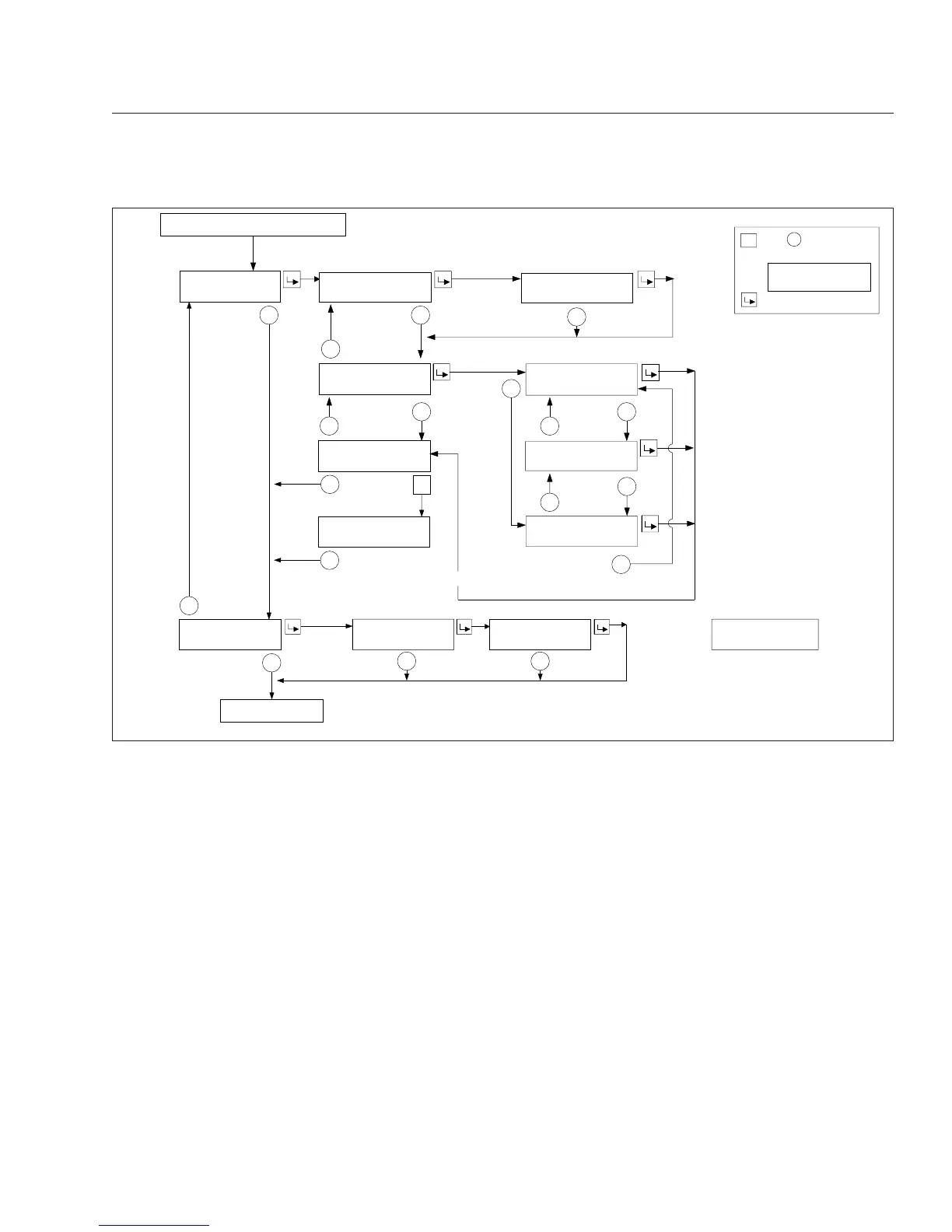
Fig. 4.15, ICU4M Diagnostic and Service Information Screens
Instruments
4.20








 To Next Page