•
Diagnostics
•
Service information
•
Settings
•
ICU Information
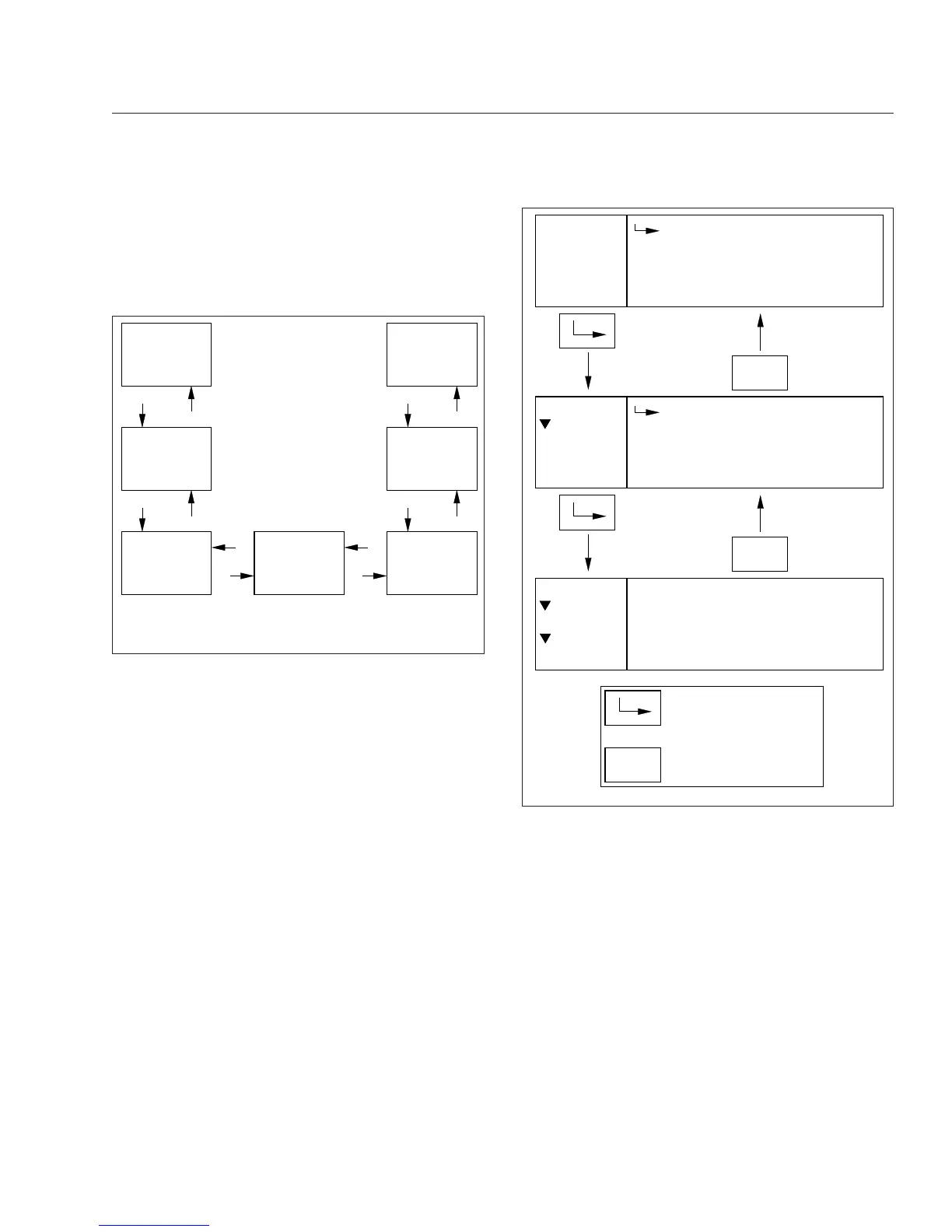
A small numerical fraction is displayed in the upper
right-hand corner of each screen to indicate the num-
ber of available screens or options to scroll through.
See
Fig. 4.23. Press the upper half of the ICU4Me
control switch to select a menu choice. Press the
lower half of the control switch to back out of a se-
lected menu or submenu. Use the + switch to scroll
up, and the – switch to scroll down.
When navigating the parked menus, the left side of
the driver message center displays a "breadcrumb
menu" to show the order of menus and submenus
that have been selected during the current naviga-
tion.
Trip Information
The ICU can record data for one trip segment and
one leg segment. When trip information is reset, all
the leg information is reset as well.
Fuel Information
Using this menu, the driver can view the total fuel
used since the last reset, the total idle gallons used
since the last reset, and the average MPG since the
last reset.
Engine Information
Using this menu, the driver can view engine miles,
engine hours, gallons used, PTO hours, and PTO
gallons. Engine oil level is optional for Detroit en-
gines. The information contained in the Engine Infor-
mation screens cannot be reset.
Diagnostics
Active and historical faults are displayed in the diag-
nostics menu. See Fig. 4.24. If there are any active
+
−
−
+
−
+
−
+
+
−
−
+
06/26/2012 f040824
Trip Info
Fuel Info
Engine Info
Diagnostics Service
Settings
ICU Info
Use the + and – switches on the steering wheel to
navigate through the parked menus.
Fig. 4.22, Parked Menus, ICU4Me
1/3
Miles:
Gallons:
Menu
MENU
BACK
Avg. MPG:
Trip Info
Trip
123456.7
123456.7
123.4
1/2
Trip
Leg
Menu
MENU
BACK
Trip Info
1/7
Trip Info
Fuel Info
Menu
Engine Info
MENU
BACK
Indicates when to press
the MENU BACK switch
Indicates when to press
the ENTER switch
06/21/2012 f611193
Fig. 4.23, Parked Menu Navigation, ICU4Me
Instruments
4.24








 To Next Page