FRICK QUANTUM EVAPORATOR CONTROL PANEL S90-600 O
OPERATION Page 13
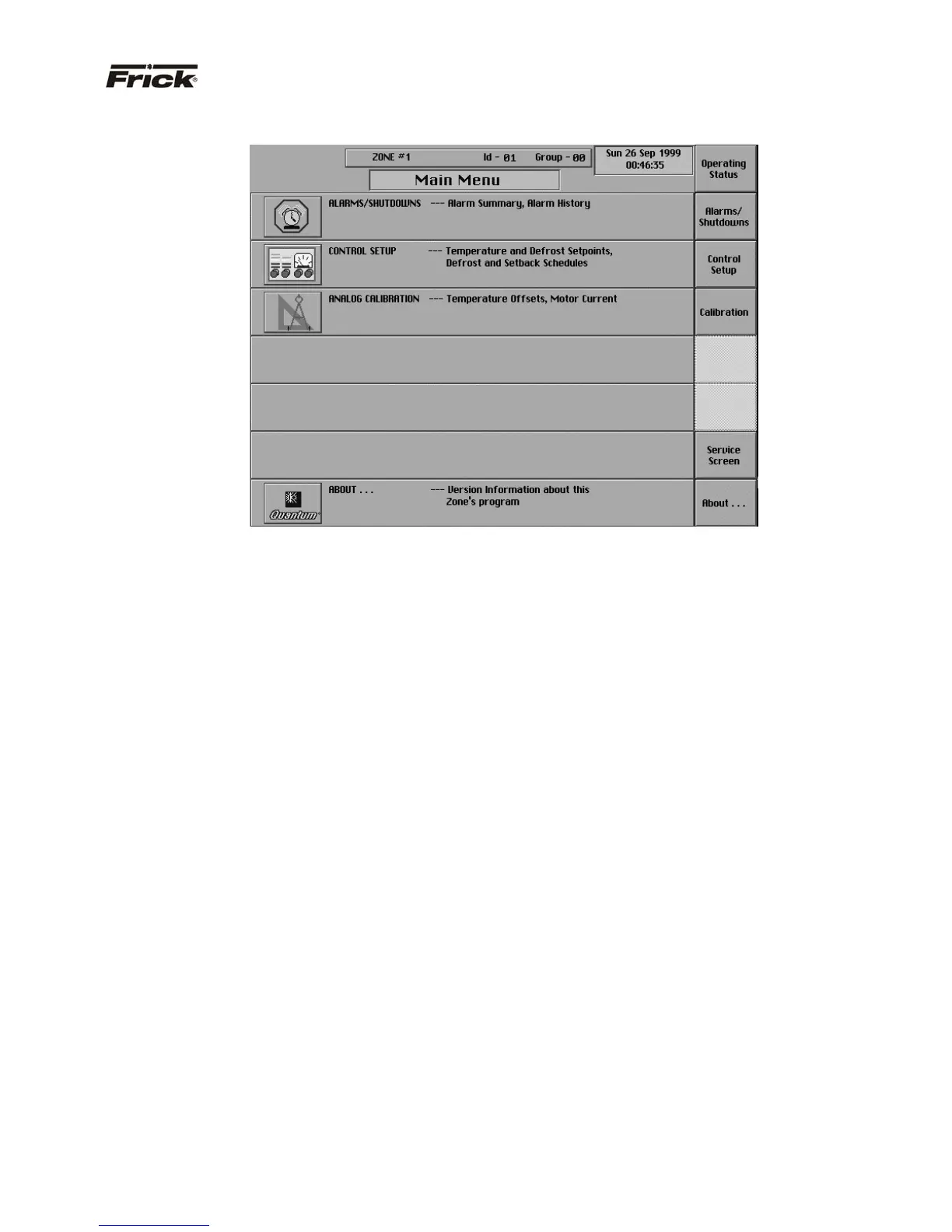
ZONE SELECTED – “MAIN MENU” SCREEN
“MAIN MENU” SCREEN - SCREEN KEY SET
The “Main Menu” screen provides a selection of screen
keys to guide the operator through all the screens. The
following are descriptions of each screen selection and a
listing of further selections:
· [Operating Status] - Shows the “Operating
Status” screen.
· [Alarms/Shutdowns] - Shows the “Alarms/
Shutdowns” screen which shows in red text the
current Failures, and the Date, and Time of the
Failure. The following selections are available:
· [Clear Alarms]
· Alarms/Shutdowns History Screen
· [Control Setup] - Shows the “Control Setup”
menu screen. The following items are selections:
· [Temp. Setpoints]
· [Time Schedule]
· [Defrost Schedule]
· [Defrost Setpoints]
· [Heating Setpoints]
· [Safety Setpoints]
· [Calibration] - Shows the “Analog calibration”
screen. From this screen the following
calibrations can be selected:
· Change Temperature Probe Types, Ranges
and Offsets
· Calibrate Humidity Sensor – (enhanced unit
only)
· Calibrate Ammonia Sensor –(enhanced unit
only)Calibrate Motor Current – (enhanced
unit only)
· [Service Screen] - This selection shows the
“Service Screen” screen that provides tools for
troubleshooting and setting up the Quantum™.



 To Next Page