FRICK QUANTUM EVAPORATOR CONTROL PANEL S90-600 O
OPERATION Page 15
MAIN MENU SELECTION -
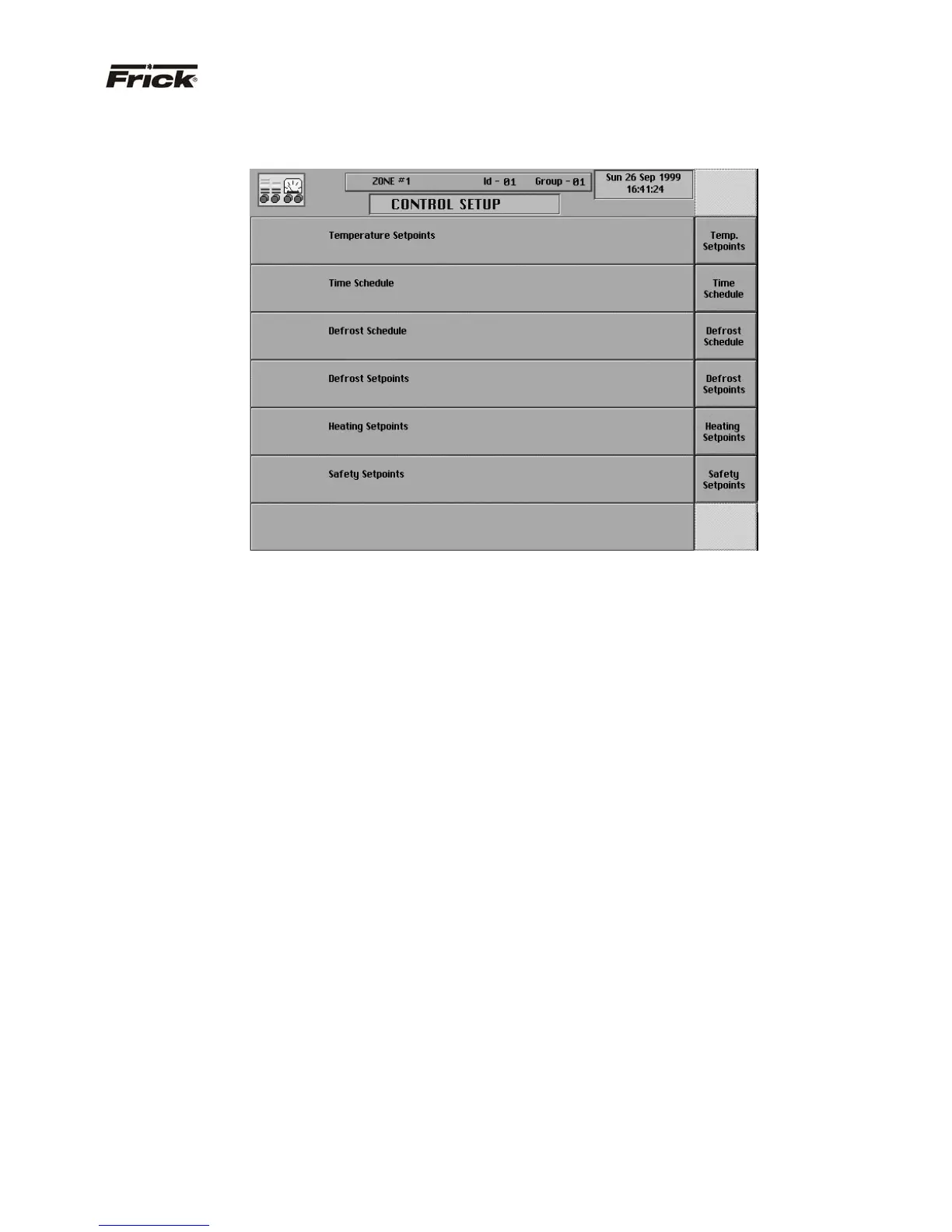
“CONTROL SETUP” SCREEN
This screen is accessible from the main menu screen.
From this screen, the operator can access the screens
that are used to setup the temperature, and defrost control
setpoints along with scheduling the time of day to use
these controls for this zone. After responding [OK] to
changing these control setpoints, they are written to the
evaporator board’s EPROM and read back from there to
be re-displayed. EPROM memory is non-volatile and all
information is retained even if the power to the panel is
lost. This process is used to confirm that an evaporator
control board properly receives control setpoint changes.
The following are the “Control Setup” screen selections:
· [Temperature Setpoints]
· [Mode 1]
· [Mode 2]
· [Mode 3]
· [Time Schedule]
· [Defrost Schedule]
· [Defrost Setpoints]
· [Heating Setpoints]
· [Safety Setpoints] – (enhanced unit only)



 To Next Page