S90-600 O FRICK QUANTUM EVAPORATOR CONTROL PANEL
Page 8 OPERATION
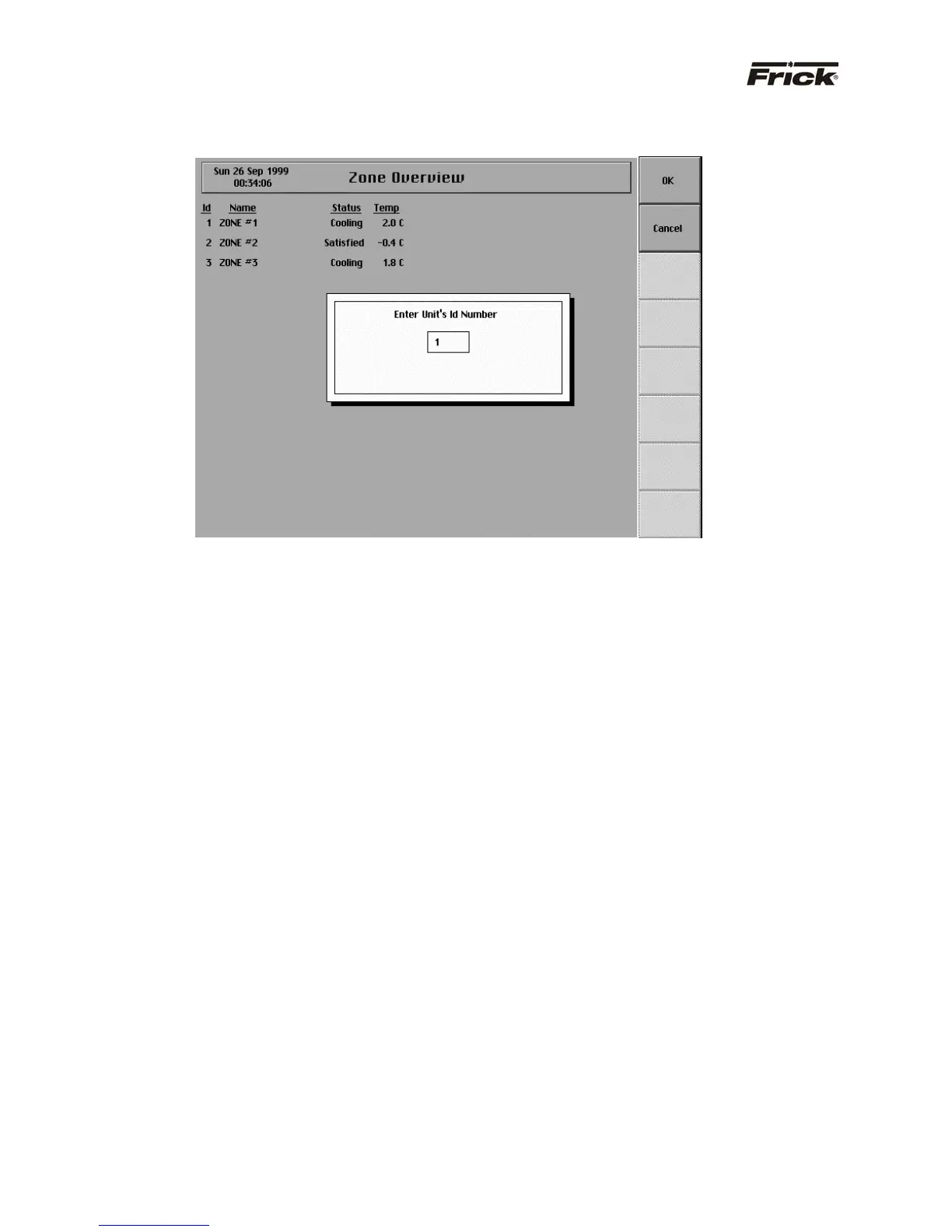
“ZONE OVERVIEW” SCREEN -
SCREEN KEY SET
Following are the screen key selections for the “Zone
Overview” screen:
[Login to Zone] - Shows a selection box for the Zone ID.
After a valid ID is entered, the “Operating Status” screen
for that zone is displayed.
[Panel Setup] - Shows the “Panel Setup” screen. This
screen has the following menu items for setup:
· Change Current Time and Date
· Temperature Units
· Language
· Change Communications
· Group Setup
· Screen Setup
· [Security] - Shows the current security privilege
level and whether setpoints can be changed from
the keypad. Security can be changed on this
screen.
[Zone Overview 2] – Shows the “Zone Status–2” screen.
· [Select Data] – Shows toggle key selections
provide for adding or removing selected data
from this screen.
· [Select Group] - Shows a selection box for the
Group ID and allows for selecting to display the
data of a single group or all groups.



 To Next Page