S90-600 O FRICK QUANTUM EVAPORATOR CONTROL PANEL
Page 32 OPERATION
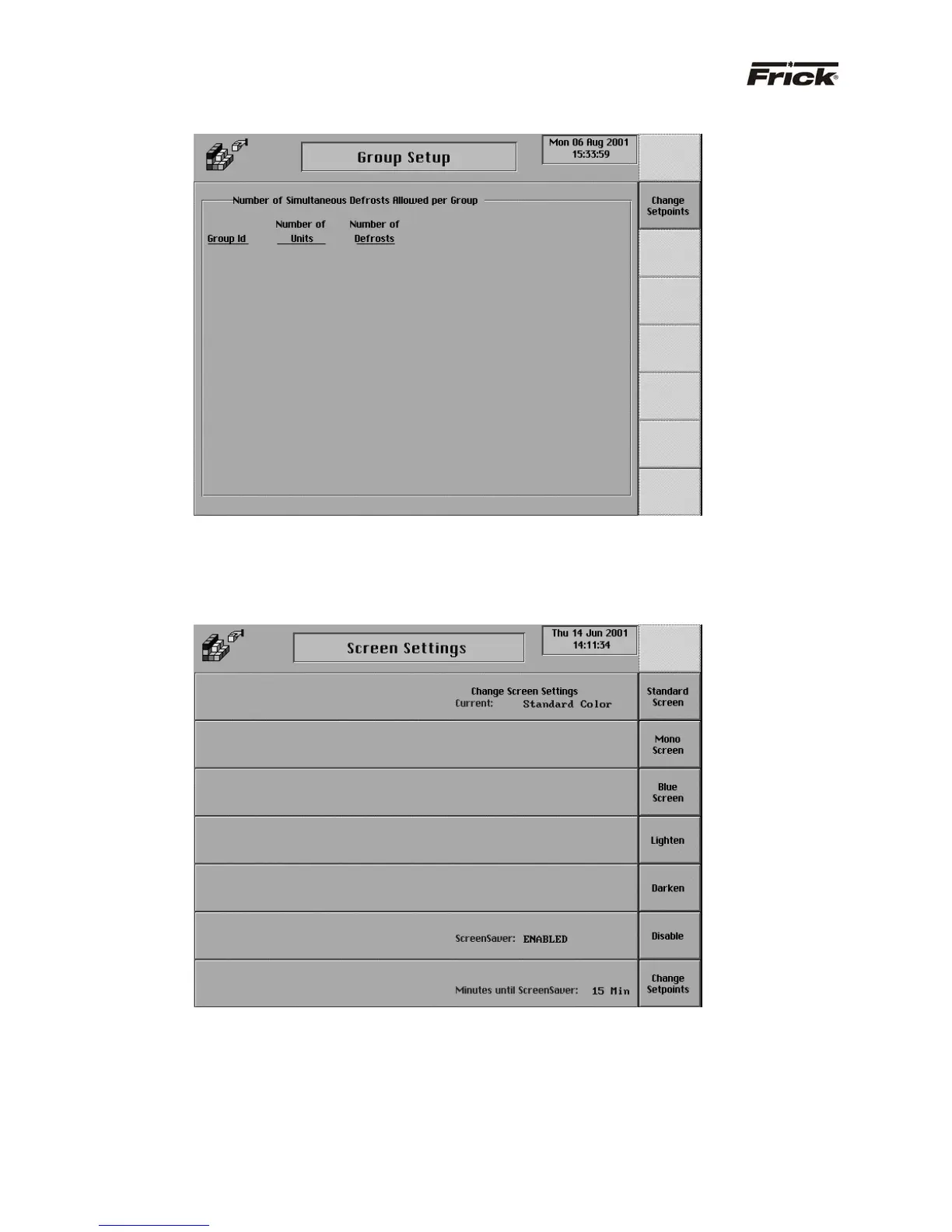
PANEL SETUP - “Group Setup” SCREEN
A group identification number is used to prevent
concurrent defrosting of more than a selected number of
zones from the same group. If a zone in a group is
required to defrost but the selected number of zones in
that group are currently in defrost, then a unit currently in
defrost must complete defrost before initiating defrost in
the next zone in the group that was scheduled for defrost.
PANEL SETUP - “Screen Settings” SCREEN
The other options that can be selected are removed from
the screen and the following selections are provided:
· [Standard Screen] - The Frick “Blue” screen
color is used.
· [Mono Screen] - A gray screen color is used.
· [Blue Screen]
· [Lighten] - The screen color is lightened.
· [Darken] - The screen color is darkened.
· ScreenSaver - A toggle key is provided
· [Disable] - Disables the screen saver.
[Enable] - Enables the screen saver. When
there is no keypad activity at the panel, this
screen saver will turn off the backlight until a key
is pressed. The screen saver increases the life
of the backlight.
· [Change Setpoints] - Select to change the
“Minutes until screen saver:” setpoint.



 To Next Page