Operation manual P328S
© 2018 FROMM Holding AG 21
All rights reserved. Reproduction and duplication - also in extracts - are not permitted.
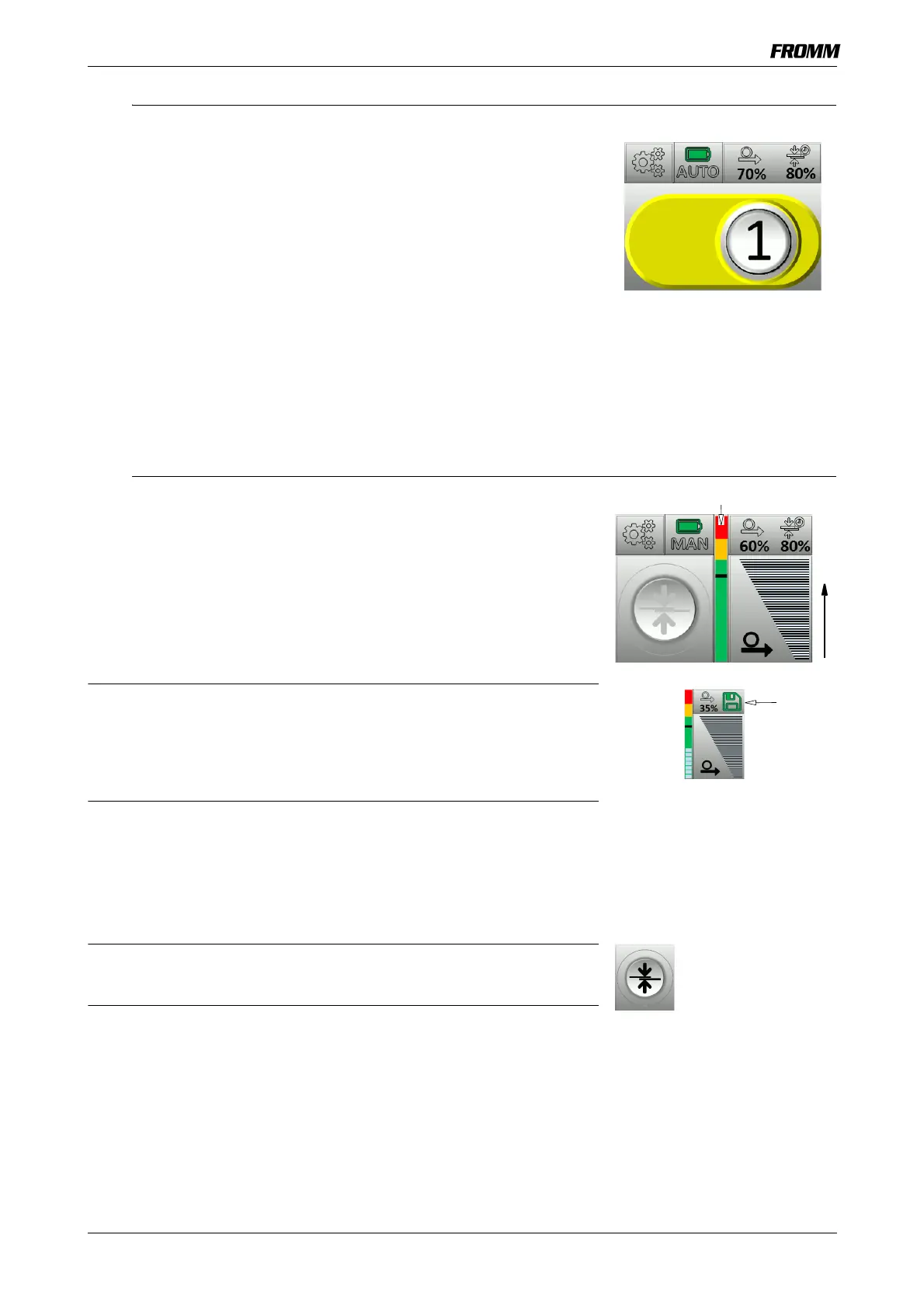
7.10.3 CLASSIC Work Menu, AUTO Operation Mode (automatic)
Tension Key
Reduce Risks / Prevent Improper Strapping
The tension can be interrupted by tapping the tension key again or by
lifting up the lever.
• Tap the tension key.
- Strapping is tightened until the set tension is reached.
- Once the set tension is reached, the welding process starts
automatically.
- The plastic material strap is welded and simultaneously removed
from the remaining strap material.
Welding time, cooling-down time See 7.10.1
See 7.10.1
7.10.4 ADVANCED Work Menu, MAN Operation Mode (Manual)
Tension Key
• Press the tension button until the desired tension is reached.
Adjustable strap speed:
Up - faster (+)
Down - slower
The tension can be interrupted by releasing the tension key and started
again.
If, when the key block is deactivated, the tension setting is cancelled
before the set tension is reached, the key for the tension and welding
time will display a green save symbol. This can be used to save the
current tension as the new tension limit.
If the welding key is pressed without saving, the old value will remain
valid.
Welding key
• Tap the welding key.
- The plastic material strap is welded and simultaneously removed
from the remaining strap material.
Welding time, cooling-down time See 7.10.1
STRAP CONNECT- function:
Tap the welding key twice within 0.5 seconds to activate the welding
key. This starts welding without setting the tension first.
Tension Bar
See 7.3 Tension Bar
See 7.10.1


 To Next Page