Operations during Copying
97
Copy
3
Operations during Copying
This section describes available operations during copying.
Stopping the Copy Job.................................................................................................................................................................. 97
Changing the Number of Copies................................................................................................................................................ 98
Interrupting the Copy Job............................................................................................................................................................99
Stopping the Copy Job
1
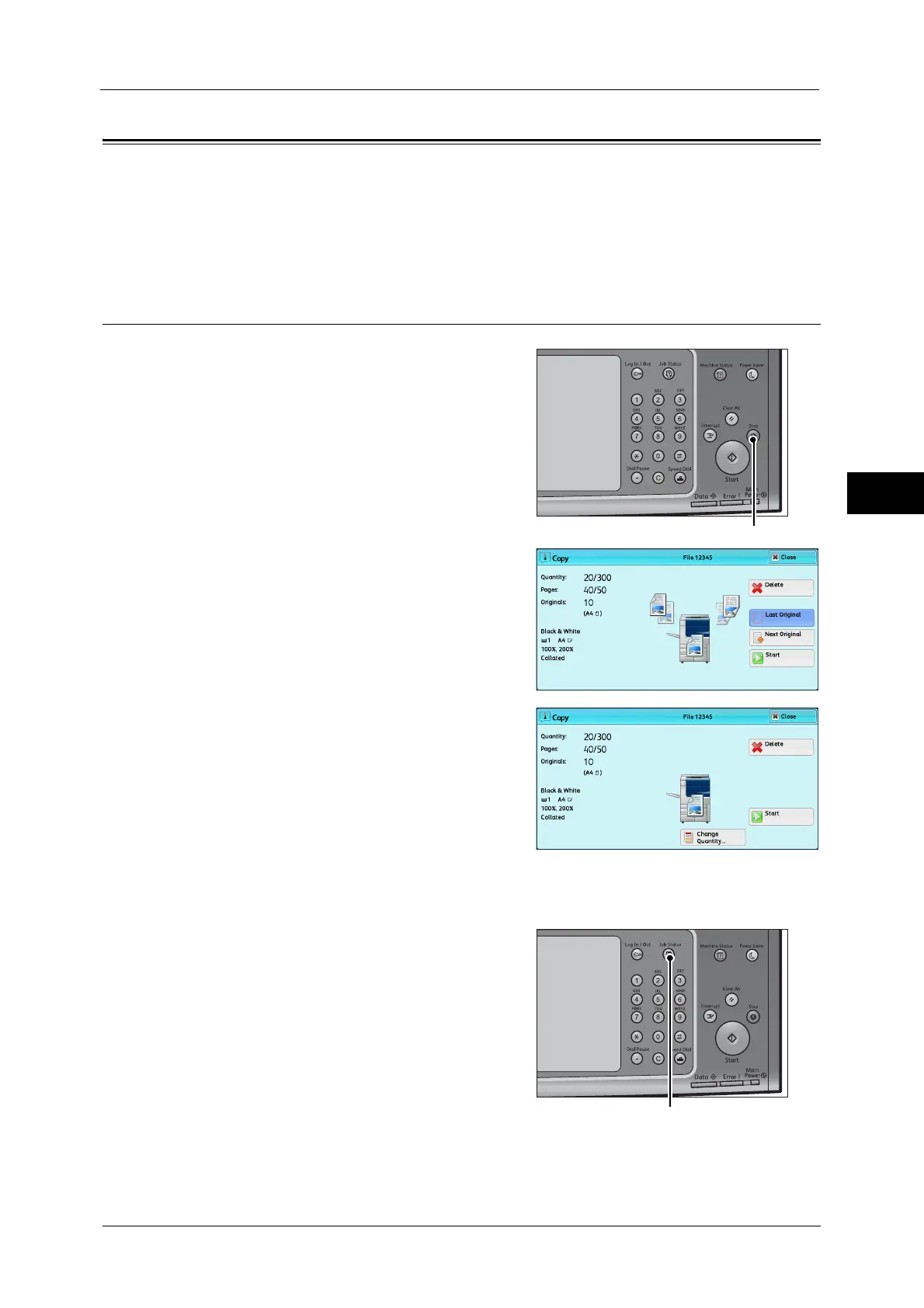
Press either the <Stop> button on the control
panel or [Delete] on the touch screen.
2
Select [Delete].
If [Delete] does not appear on the screen:
1
Press the <Job Status> button.



 To Next Page
 Loading...

