System expansions
Extensions to the mainboard
Details on whether you can upgrade the main memory or the processor are provided in the manual
for the mainboard. In order to upgrade or replace the processor, you must first remove the ventilation
cover.
► Open the casing (see "Opening the casing").
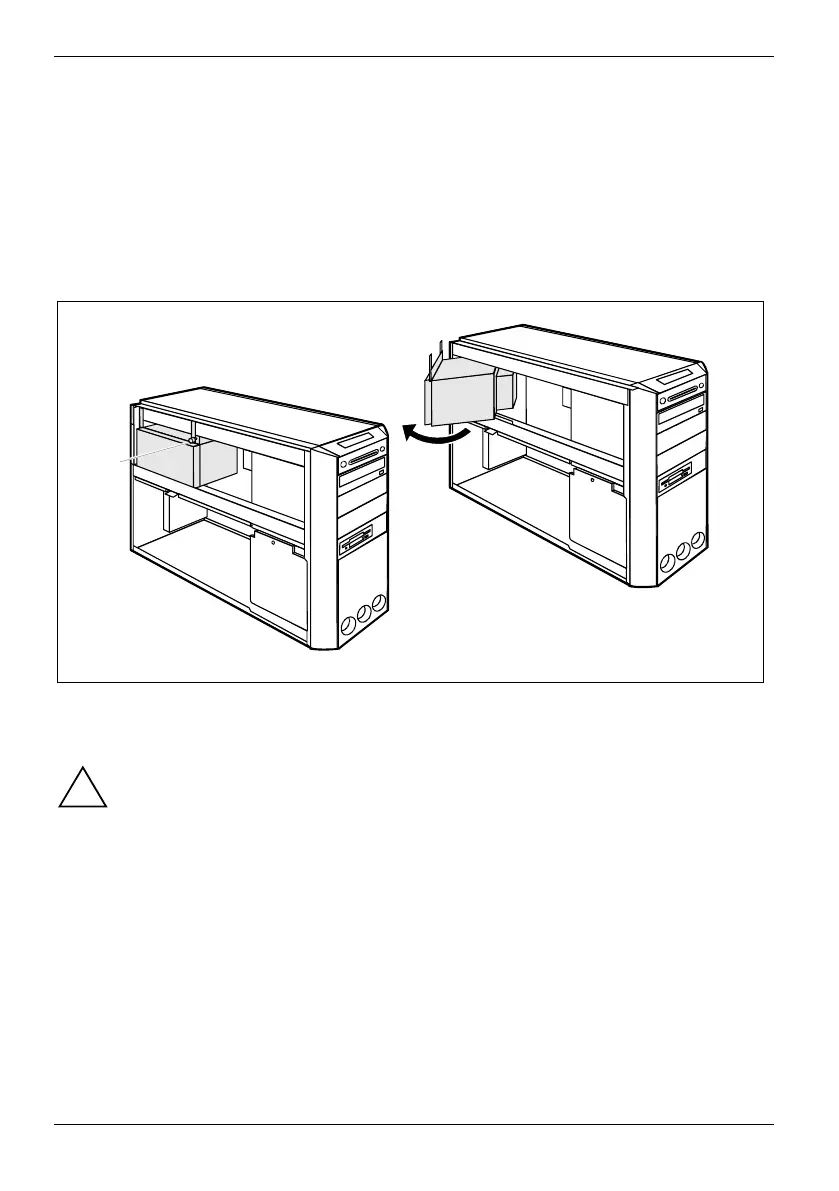
Removing the power supply
1
2
► Unscrew the screw with which the power supply is secured in the casing (1).
► Swing the power supply out of the casing (2).
!
Only connect the power plug after you have reinstalled the power supply and closed the
unit.
74 A26361-K665-Z126-1-19, edition 1



 To Next Page