System expansions
Installing WLAN module
► Open the casing (see "Opening the casing").
► Remove the front (see "Removing the front panel").
► Detach the USB data cable and, if present, the audio data cable from the mainboard (see the
manual for the mainboard).
► Pull the cables from the floppy disk drive.
► Remove the floppy disk drive (see "Removing the floppy disk drive" - "Installing and removing
drives").
2
2
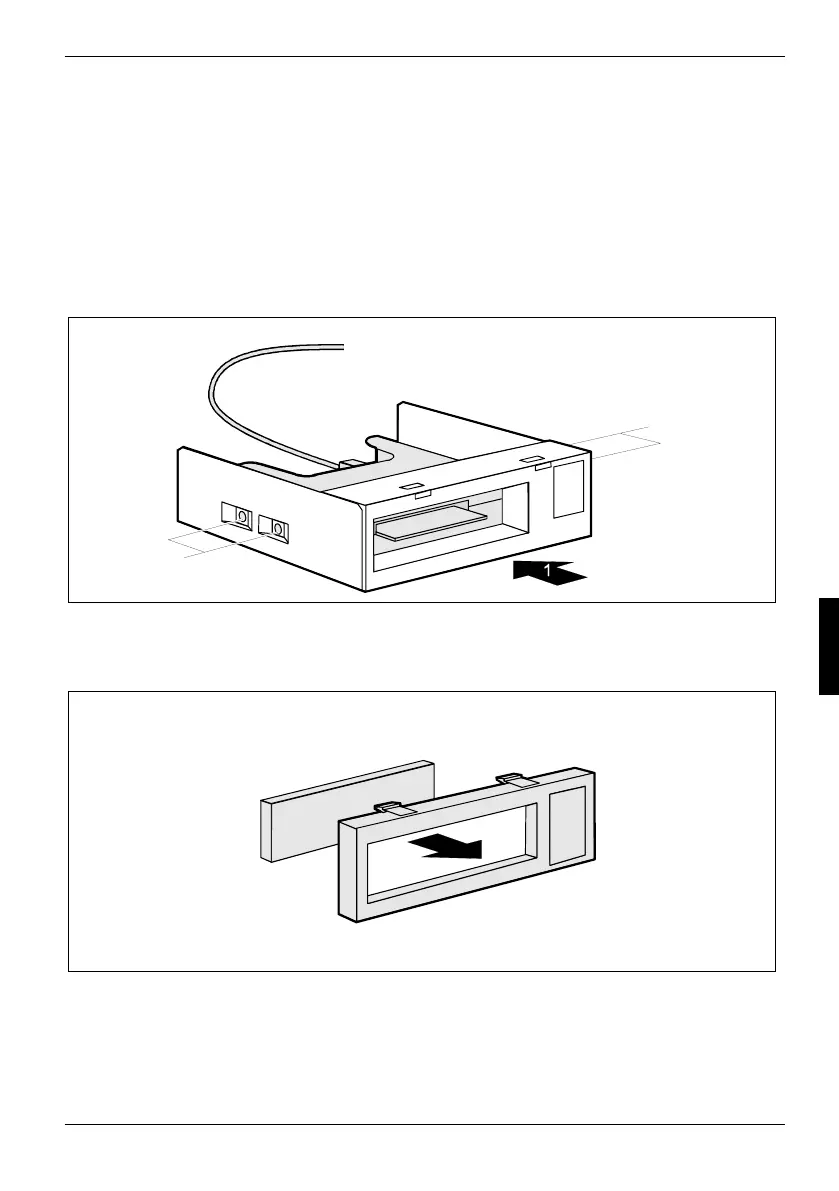
► Slide the WLAN module into the slide-in module (1).
► Fasten the WLAN module with the screws (2) on both sides of the slide-in module.
► Insert the blind cover into the slide-in module bezel from the inside.
A26361-K665-Z126-1-19, edition 1 67



 To Next Page