System expansions
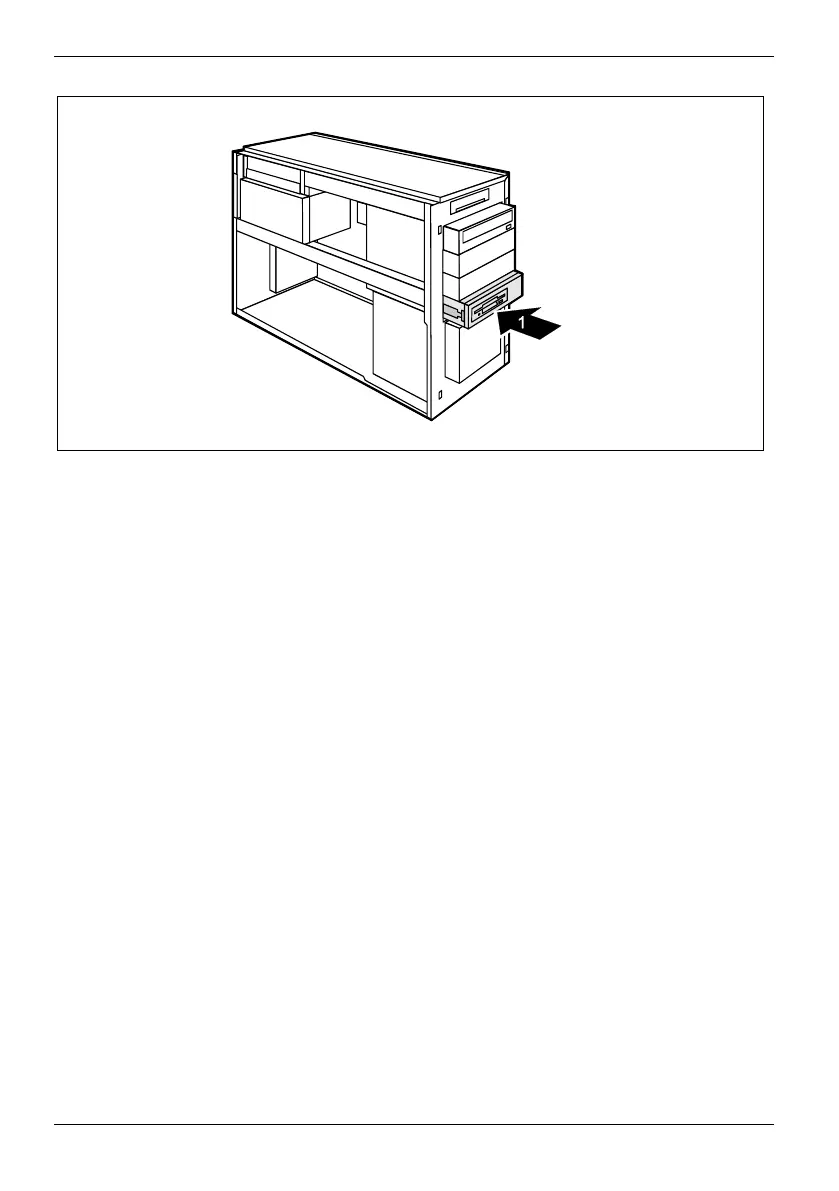
► Slide the floppy disk slide-in module into the casing (1) until it engages noticeably.
► Fit the data and power supply connectors to the floppy disk drive.
► Attach the front panel (see "Attaching the front panel").
► Close the casing (see "Closing the casing").
66 A26361-K665-Z126-1-19, edition 1



 To Next Page