System expansions
42 A26361-K675-Z120-1-7619, edition 3
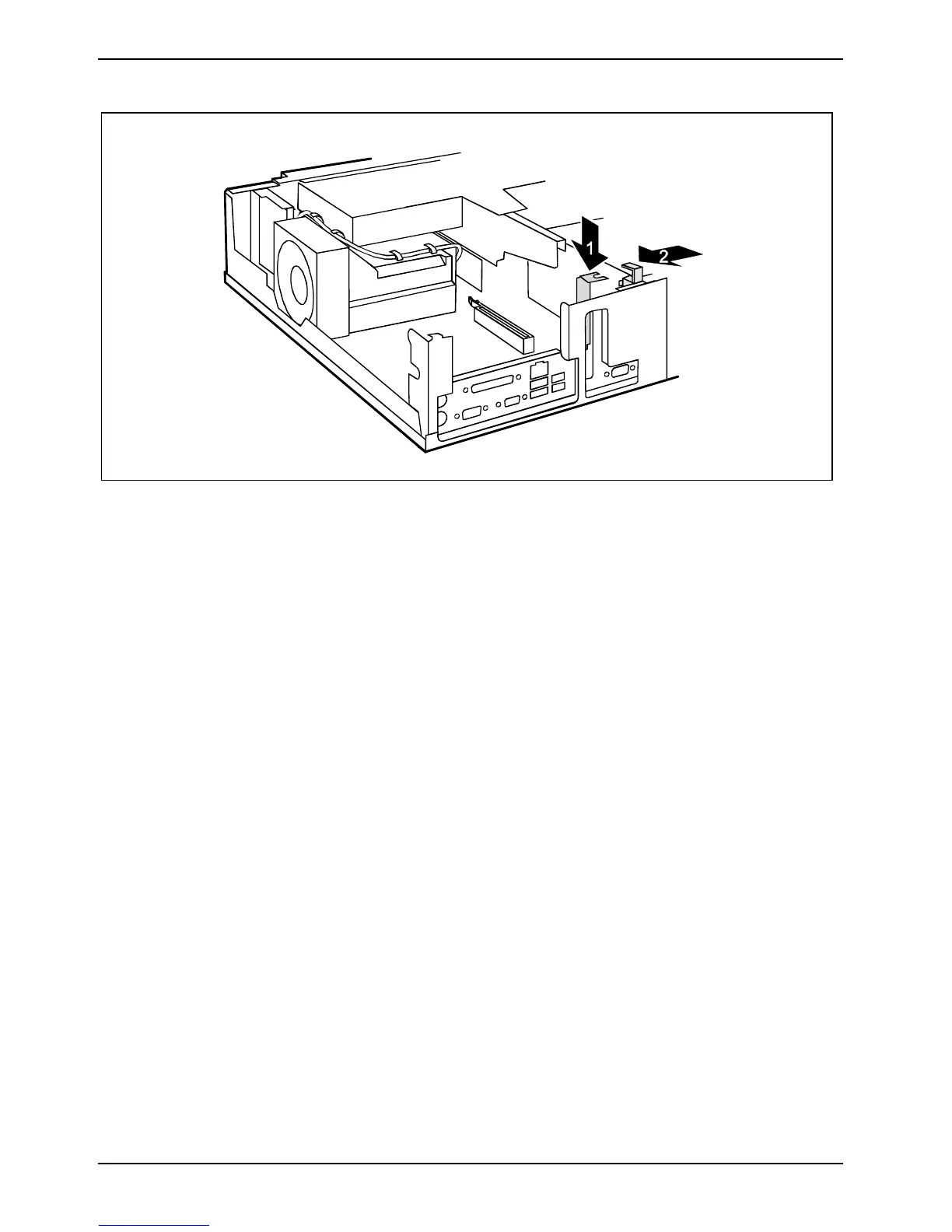
► Push the slot cover into the slot in the direction of the arrow (1). Make sure that the tip of the
slot cover engages in the notch in the casing bottom.
► Fold the retaining bracket down again in the direction of the arrow (2). Ensure that the retaining
bracket engages.
► Install the board bracket as described in "Installing board bracket" section.
► Close the casing (see "Closing the casing" chapter).



 To Next Page