System expansions
56 A26361-K675-Z120-1-7619, edition 3
1
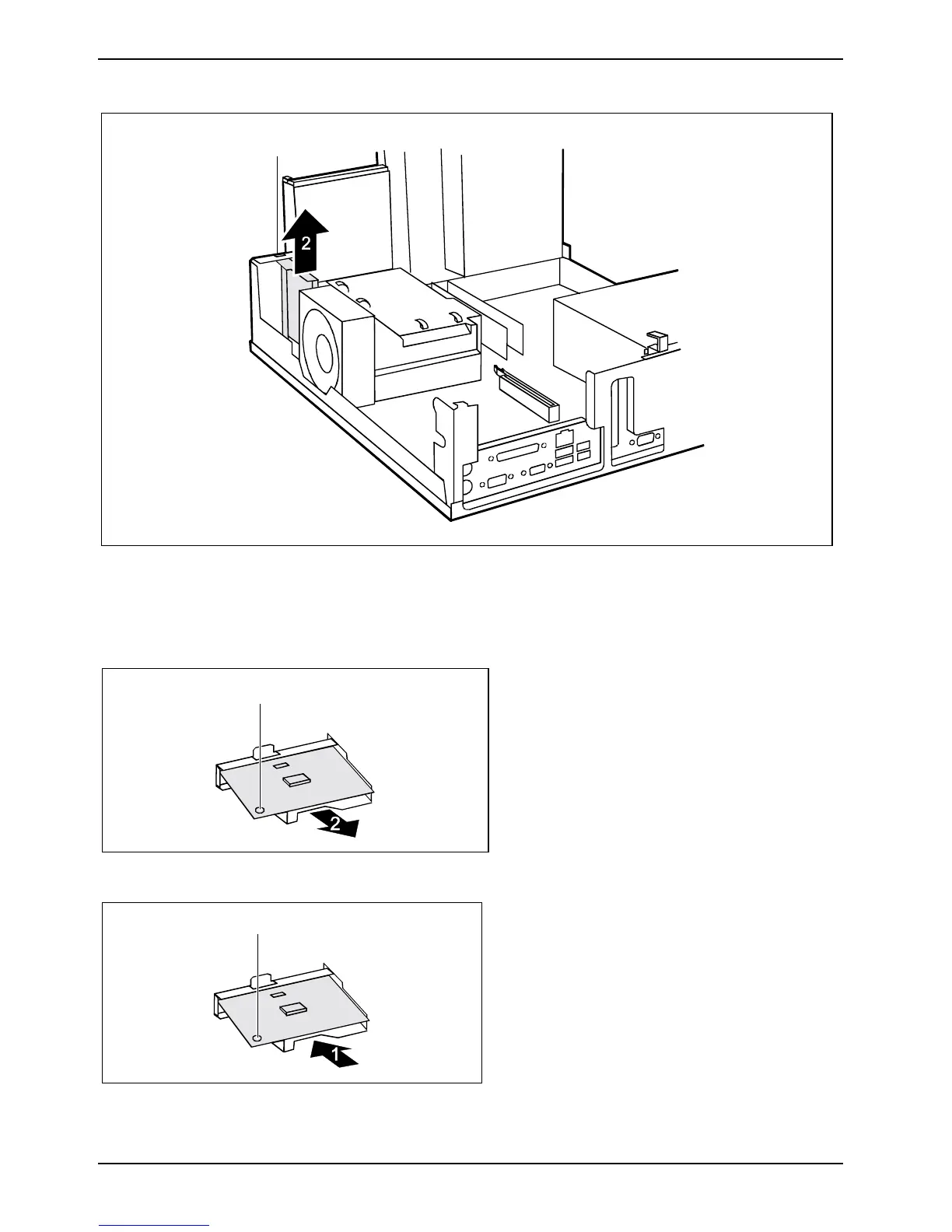
► Loosen the screw (1).
► Lift the carrier for the SmartCard reader slightly upward in the direction of the arrow (2) and pull
it out of the installation bay.
Removing SmartCard reader from carrier
1
► Loosen the screw (1).
► Pull the SmartCard reader out of the
carrier in the direction of the arrow (2).
Installing SmartCard reader in carrier
2
► Slide the SmartCard reader into the carrier
in the direction of the arrow (1).
► Secure the SmartCard reader with the
screw (2).



 To Next Page