System expansions
A26361-K675-Z120-1-7619, edition 3 57
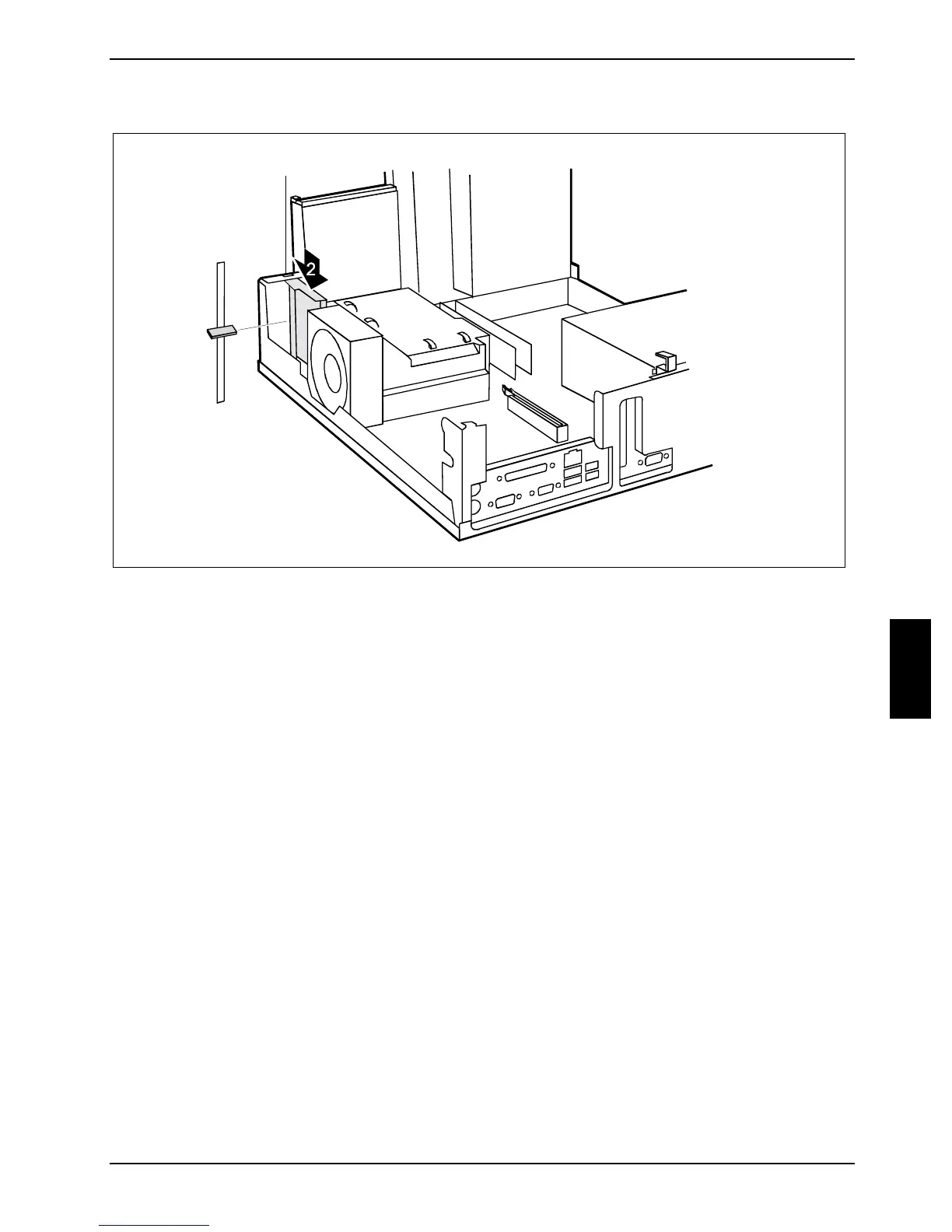
Installing the carrier
3
1
If the PC is not equipped with a SmartCard reader, the slot for the SmartCard on the inside of the
front casing section is protected with a plastic bar (1) when shipped.
► Break away the plastic bar (1) if necessary.
► Press the carrier in the direction of the arrow as far as it will go (2).
► Secure the carrier with a screw (3).



 To Next Page