System expansions
58 A26361-K675-Z120-1-7619, edition 3
1
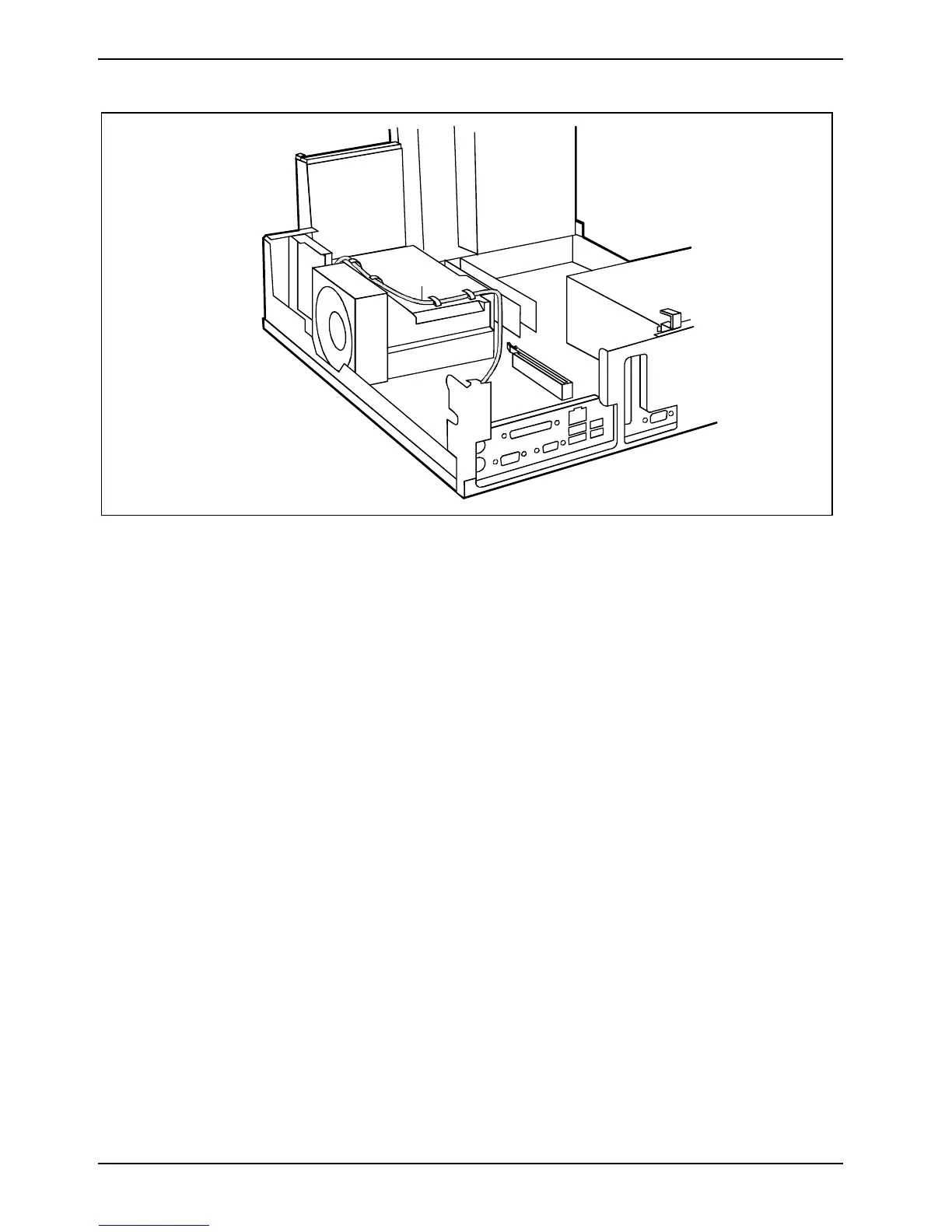
► Connect the cable on the connector for the SmartCard reader to the mainboard (see technical
manual for the mainboard).
► Route the cable (1) through the hooks on the ventilation duct.
► Fold down the drive cage (see chapter "Folding up and down the drive cage").
► Close the casing (see "Closing the casing" chapter).



 To Next Page