152
8 Troubleshooting
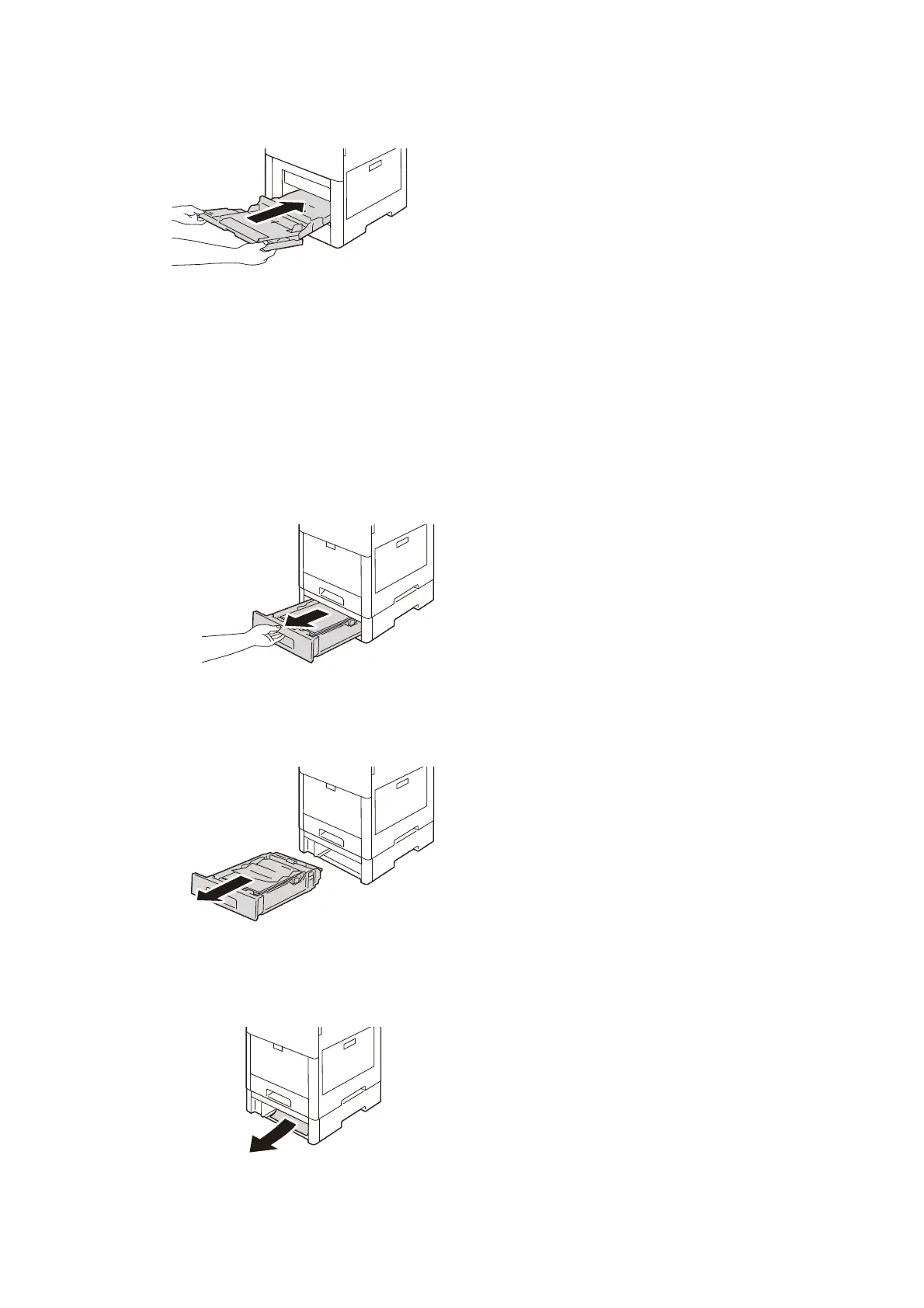
6. Insert the Bypass Tray completely into the main unit.
7. Return the paper that has been removed into the Bypass tray.
8. Tap on [Confirm] displayed on the touch panel display.
Paper Tray 2 to 4
1. Pull out the tray reported on the touch panel display until it stops.
2. Lift the front of the tray slightly, and remove the tray from the main unit.
3. Remove any crumpled paper from the tray and any remaining paper jammed at the front of the
main unit.


 To Next Page
 Loading...









