32
3 Basic Operations
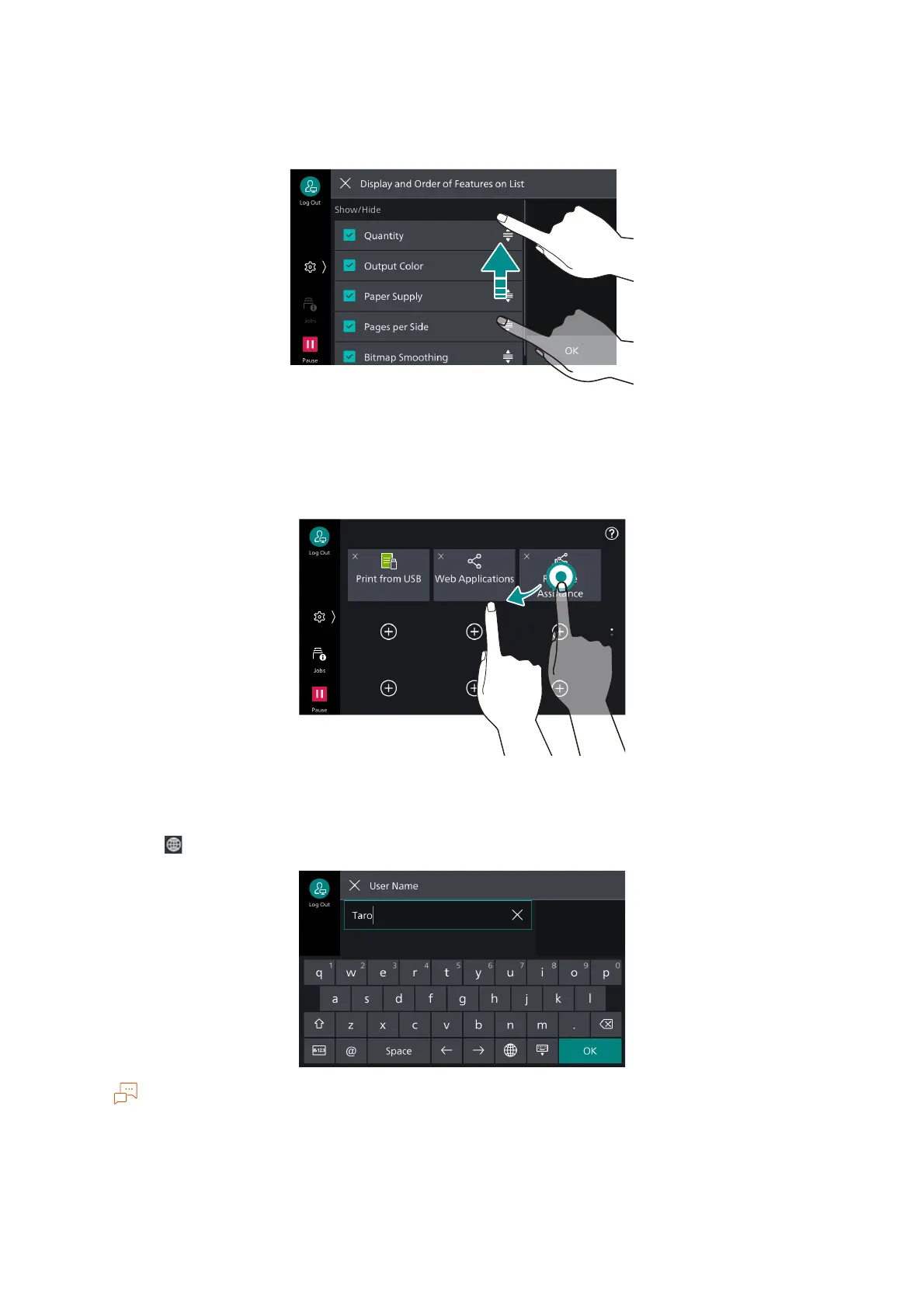
Drag
While lightly touching the touch panel display, move your finger up and down to scroll the screen up
and down.
A flick action (lightly sweeping the screen to a desired direction with your finger) is also available.
Long-tap
Touch and keep your finger on an app icon or Menu item. While maintaining the long-tap, dragging
your finger to your desired position can change the position of the icon.
Keyboard
Tap on to change the input method and input language.
Displayed buttons differ depending on the input screen and input language.



 To Next Page
 Loading...








