41
3.6 Customization
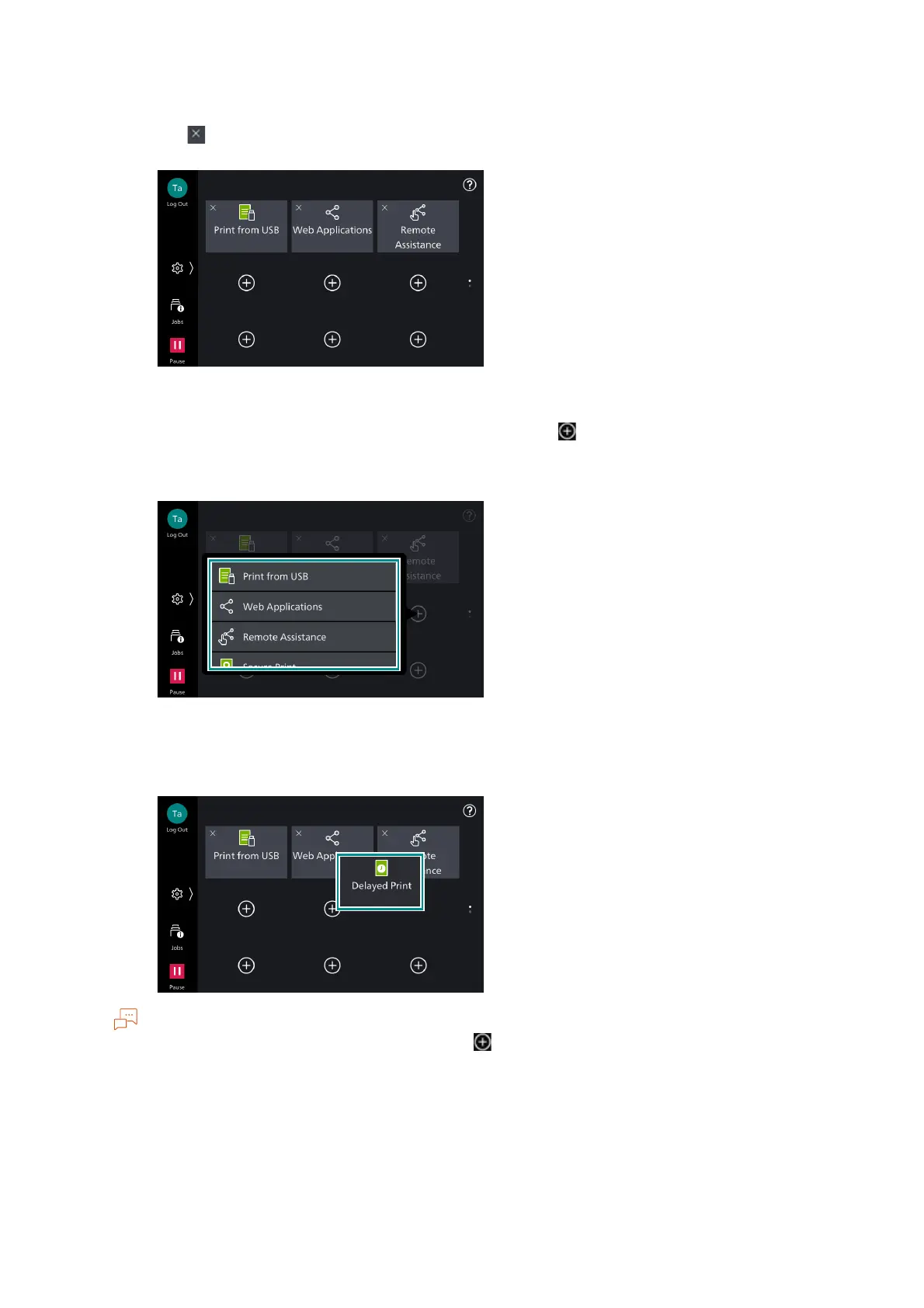
Hiding icons
1)Tap on to hide the icon.
Displaying icons
1)On the page where you want the icon to display, tap on .
2)Tap on the apps to add.
Changing the icon’s position
1)Long-tap and drag the icon.
You cannot move icons between pages. Tap on on the page you want to place the desired icon.
3. When you complete the customization, tap on the outside area of the apps icons.



 To Next Page
 Loading...








