42
3 Basic Operations
Customizing the Feature List
Allows you to customize the displayed feature such as print from USB.
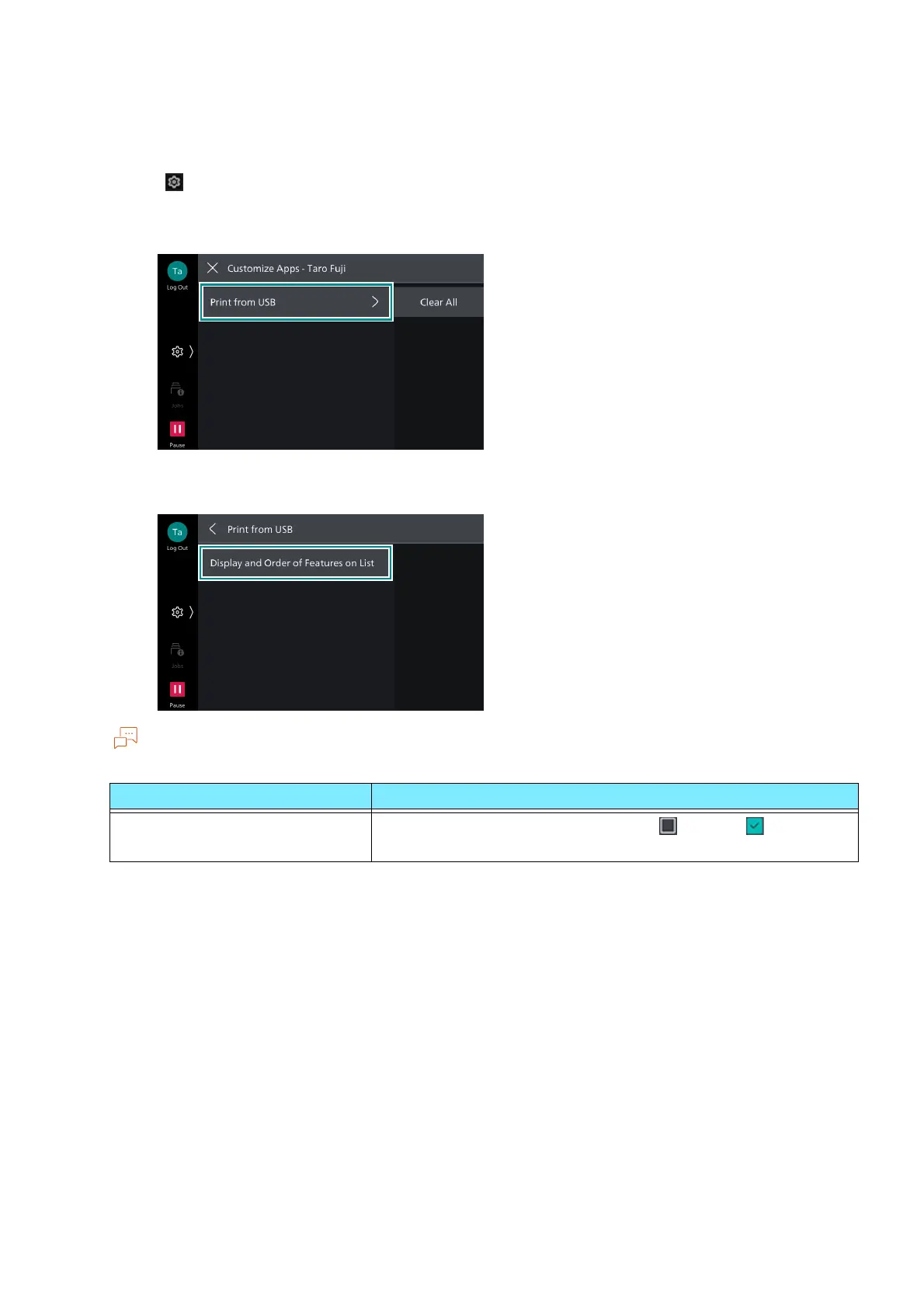
1. Tap on > [Customize Apps].
2. Tap on the app to customize.
3. Select the item to customize.
Items appearing on the touch panel display will vary depending on authentication status or apps.
Item Function
[Display and Order of Features
on List]
Tap on each feature and change Hide /Display . You can
change the display order by long-tap.



 To Next Page
 Loading...








