91
5.5 [Network Settings]
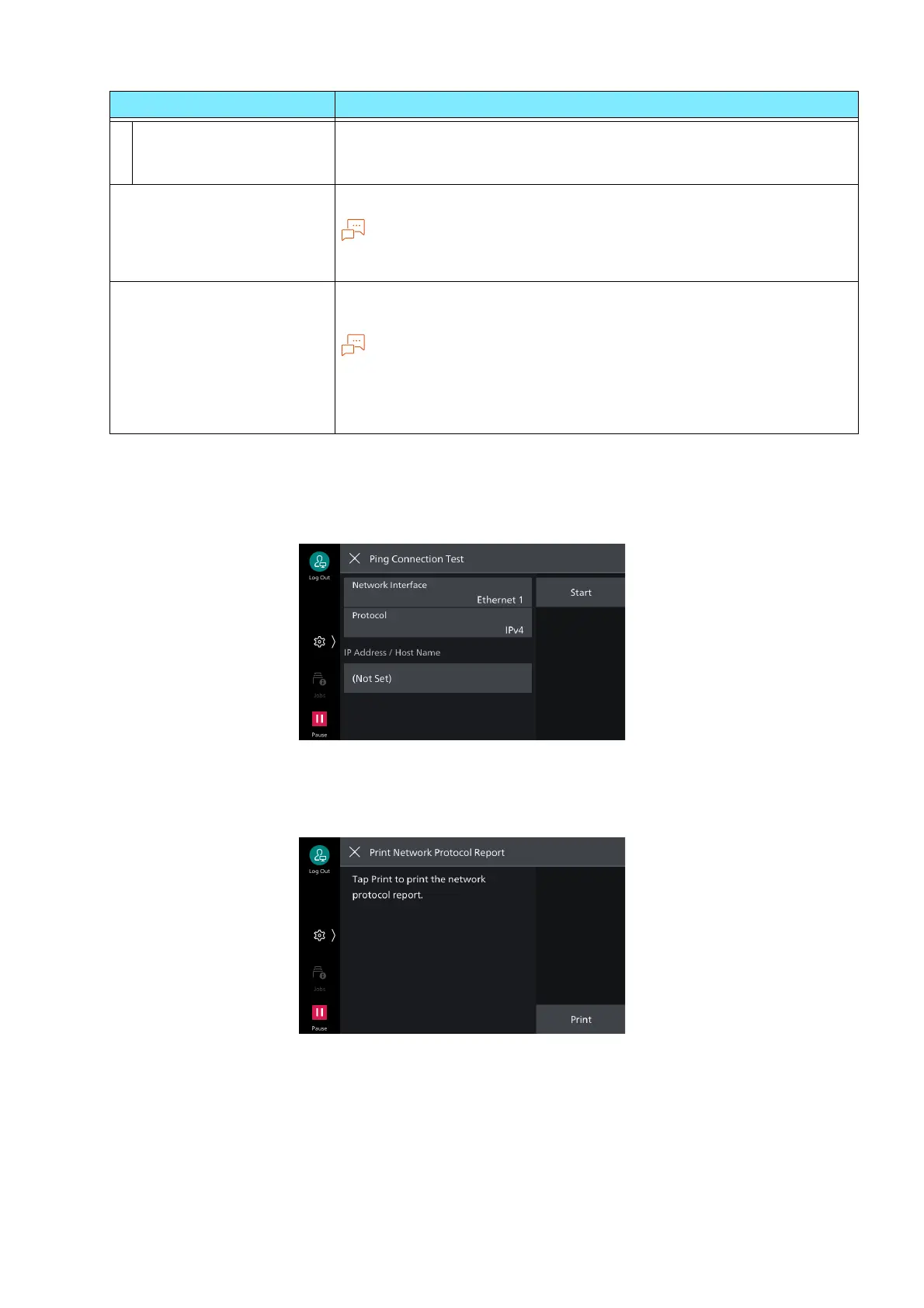
[Ping Connection Test]
Enables confirmation whether normal communication is possible between the machine and client
computer under the set conditions.
[Print Network Protocol Report]
Outputs report on protocol settings for primary interface.
[DNS Server Address 1]
to [DNS Server Address
3]
Sets address of DNS server manually. Enables setting of substitute
DNS server address for alternate DNS server 2 and 3.
[Auto Configured IPv6
Address]
Displays set IP address.
Note
If the IP address is set manually, up to 2 addresses can be assigned with
stateless automatic configuration.
[IPv6 - IP Filter] Enables limitation of connection to the machine with the IPv6
address.
Note
[IPv6 - IP Filter] applies to all features using TCP/IP. For example,
printing, Internet Services and web applications.
Setup of the IPv6 address for receiving connections is done with [IP
Filter] of Internet Services.
Item Description



 To Next Page
 Loading...








