90
5 Device
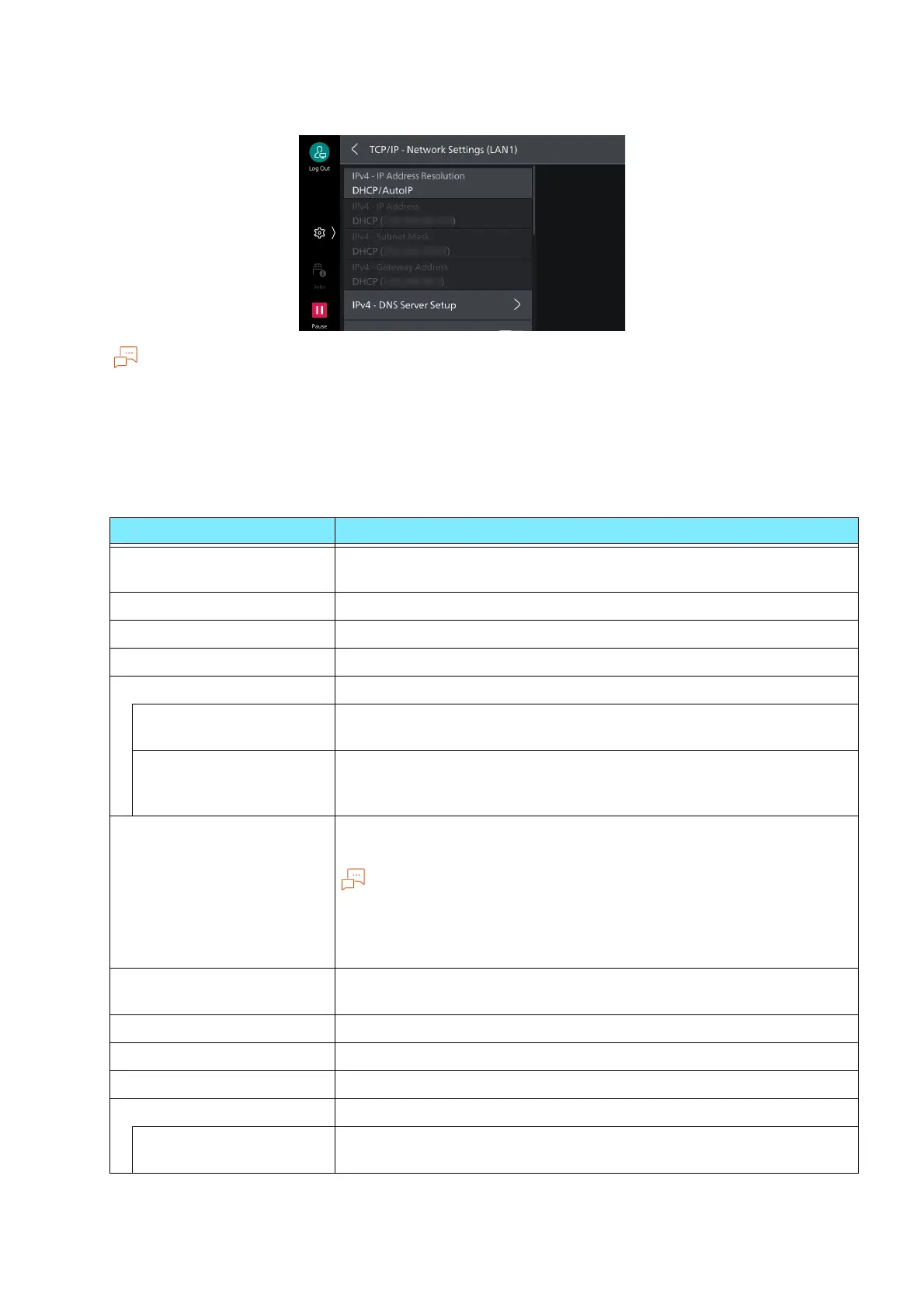
[TCP/IP - Network Settings]
If you use multiple interfaces, this item is displayed [TCP/IP - Network Settings (Ethernet 1)]/[TCP/IP -
Network Settings (Wi-Fi)].
The same IP address cannot be set in [TCP/IP - Network Settings (Ethernet 1)] and [TCP/IP - Network
Settings (Wi-Fi)].
Ports usable in a secondary network are: LPD, Port 9100, SNMP, Internet services (HTTP), Bonjour, IPP,
ThinPrint, WSD, AirPrint, and Mopria. A secondary network interface may fail to operate if it is set with an
application that uses another port.
Item Description
[IPv4 - IP Address
Resolution]
Sets method of retrieving IP address, subnet mask, and gateway
address.
[IPv4 - IP Address] Specifies IP address.
[IPv4 - Subnet Mask] Specifies subnet mask.
[IPv4 - Gateway Address] Specifies gateway address.
[IPv4 - DNS Server Setup] Sets DNS server.
[Get IP Address from
DHCP]
Enables retrieval of DNS server address from DHCP server.
[DNS Server Address 1]
to [DNS Server Address
3]
Sets address of DNS server manually. Enables setting of substitute
DNS server address for alternate DNS server 2 and 3.
[IPv4 - IP Filter] Enables limitation of connection to the machine with the IPv4
address.
[IPv4 - IP Filter] applies to all features using TCP/IP. For example,
printing, Internet Services and web applications.
Setup of the IPv4 address for receiving connections is done with [IP
Filter] of Internet Services.
[IPv6 Address Manual
Configuration]
Enables manual setting of IPv6 address.
[IPv6 - Manual Address] Specifies IPv6 address.
[IPv6 - Manual Prefix] Sets prefix length.
[IPv6 - Manual Gateway] Sets gateway address.
[IPv6 - DNS Server Setup] Sets DNS server.
[Get IP Address from
DHCP]
Enables retrieval of DNS server address from DHCP server.



 To Next Page
 Loading...








