89
5.5 [Network Settings]
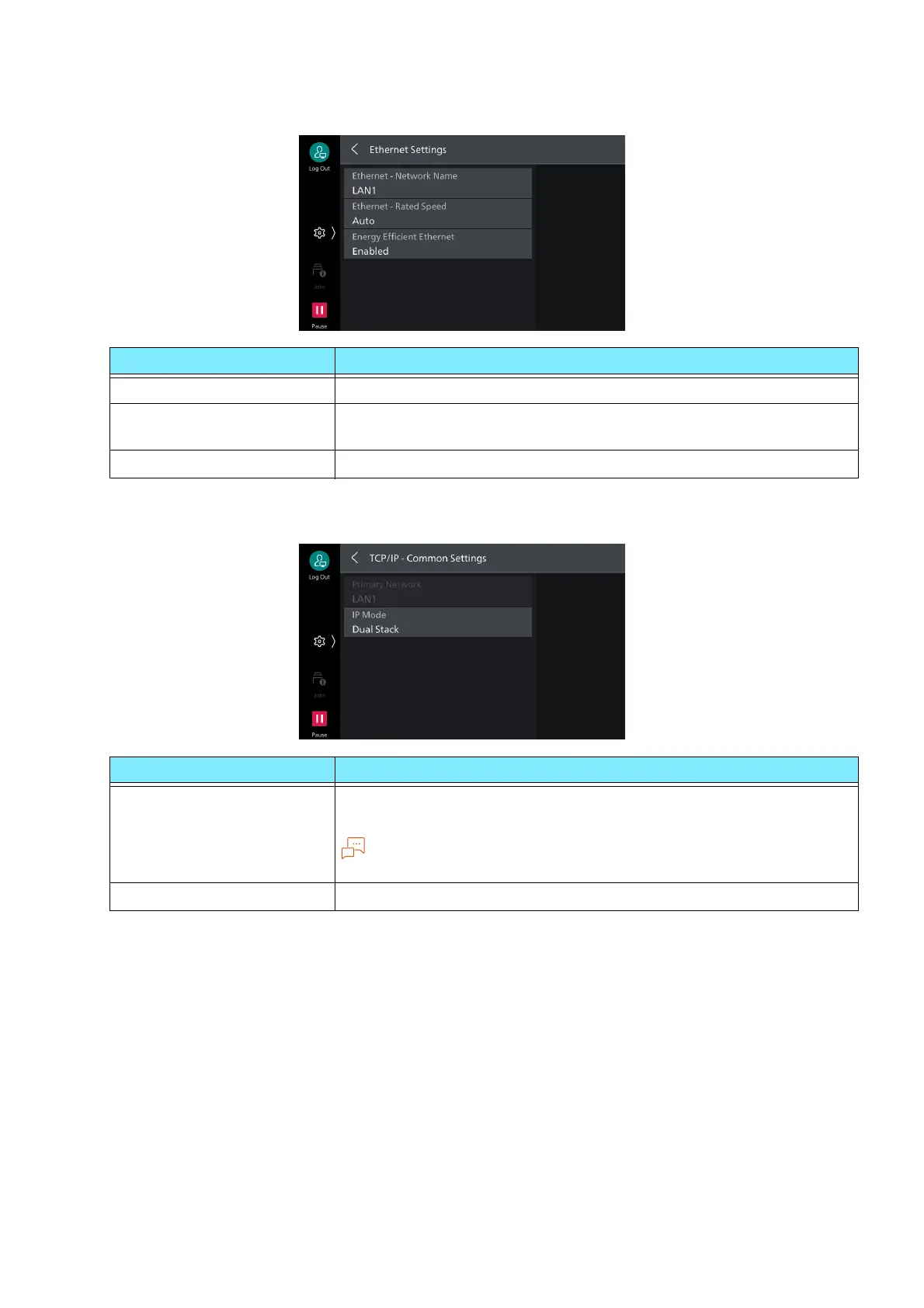
[Ethernet Settings]
[TCP/IP - Common Settings]
Item Description
[Ethernet - Network Name] Set the name of Ethernet interface.
[Ethernet - Rated Speed] Sets communication speed of Ethernet interface. Select auto detect
or fixed speed according to the connected network environment.
[Energy Efficient Ethernet] Enables energy efficient feature of Ethernet interface.
Item Description
[Primary Network] Displays name of network operating as primary network when using
multiple interfaces.
Note
Setting of the primary network is done with Internet Services.
[IP Mode] Sets TCP/IP operation mode.



 To Next Page
 Loading...








