88
5 Device
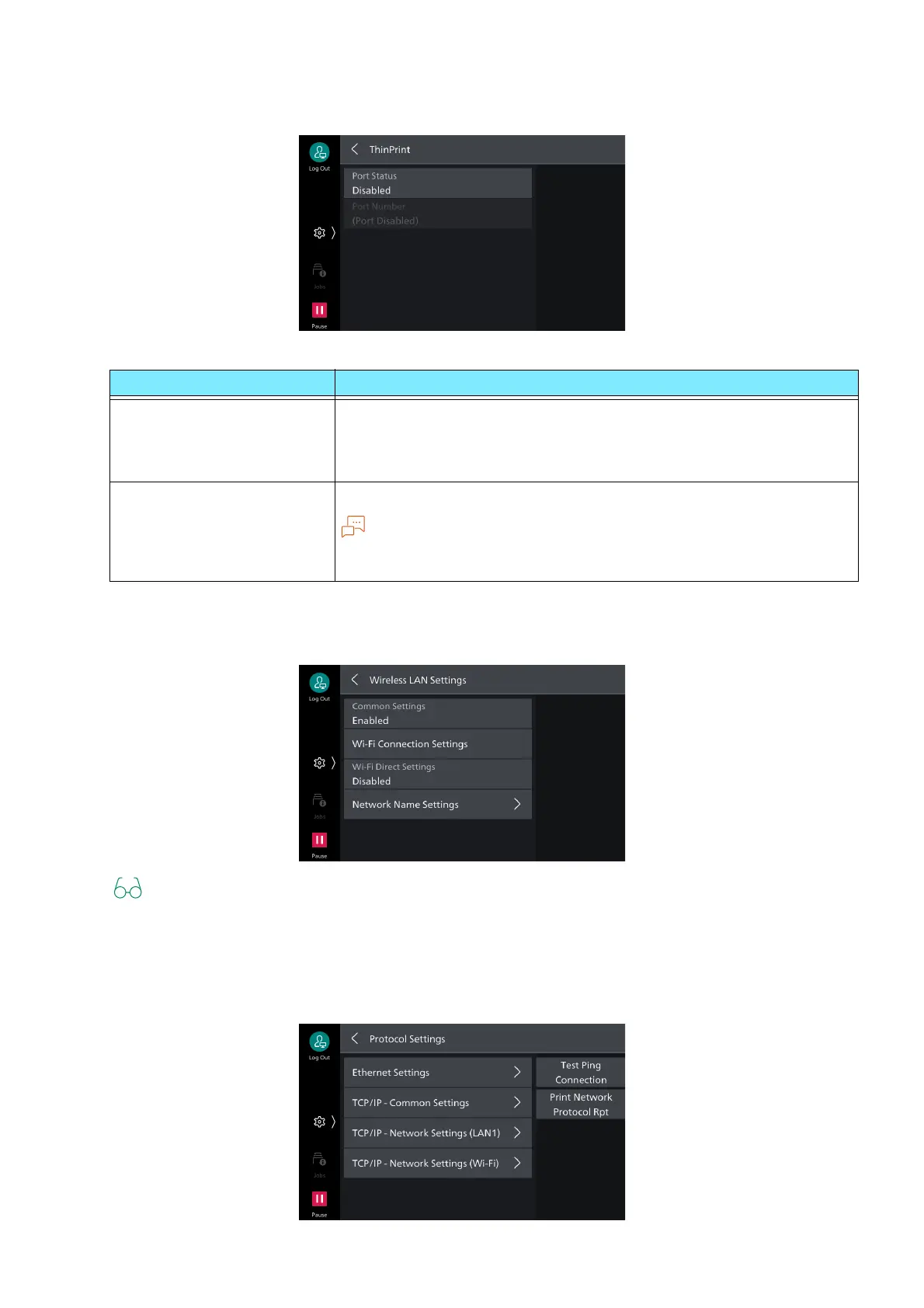
[ThinPrint]
[Wireless LAN Settings]
Refer to "Wireless LAN" (P.14).
[Protocol Settings]
Sets the conditions needed for communication.
Item Description
[Port Status] Set to Enabled to use [Enabled].
The machine supports printing in the ThinPrint environment. Printing
is done by decompressing data compressed and sent from the server
(Windows Server).
[Port Number] Set port number used with ThinPrint.
Note
Can be used when communication protocol operates with IPv4.
The maximum number of simultaneous connections is 3.



 To Next Page
 Loading...








