87
5.5 [Network Settings]
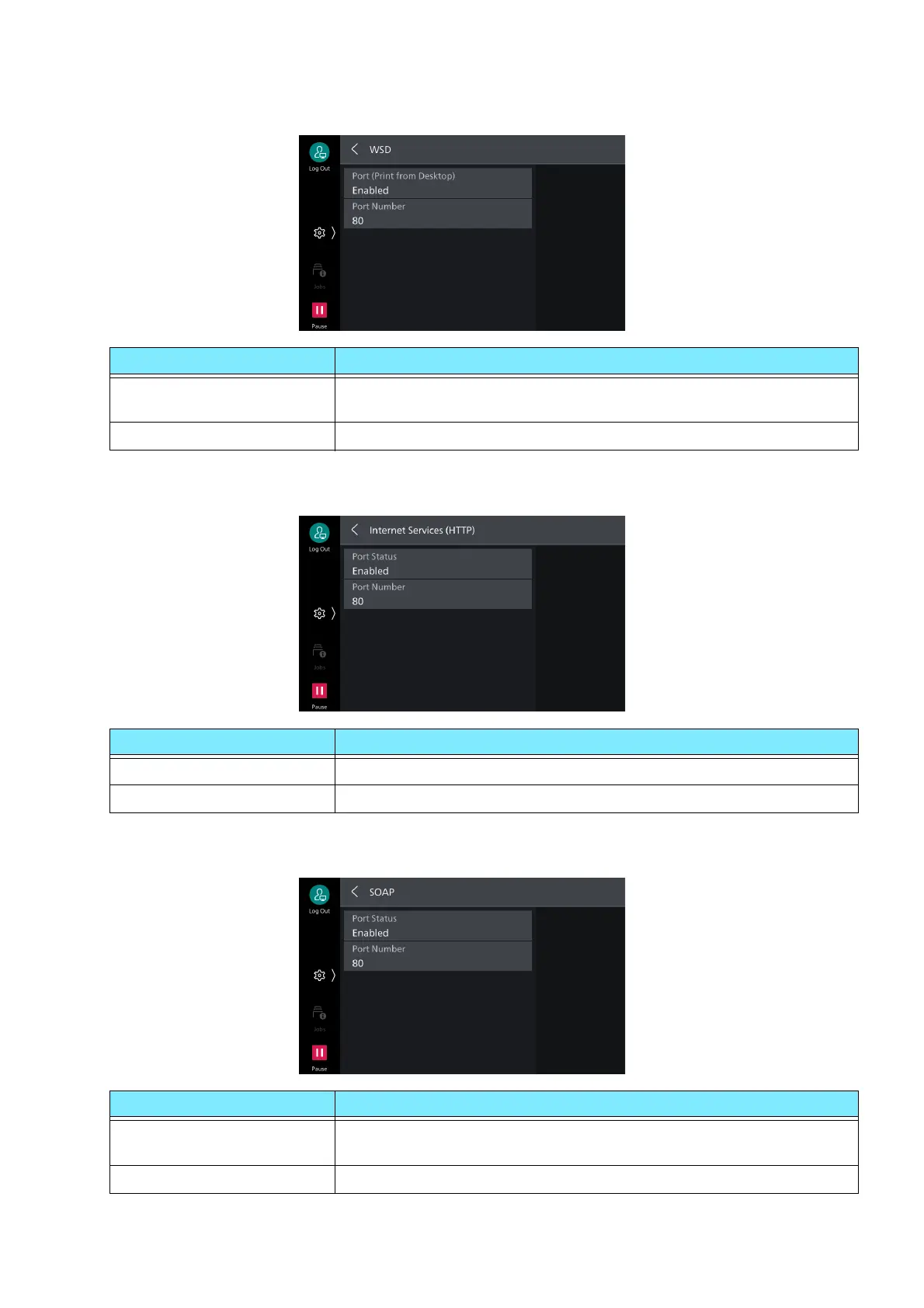
[WSD]
[Internet Services (HTTP)]
[SOAP]
Item Description
[Port (Print from Desktop)] Set to [Enabled] to use WSD print.
This is set when searching devices on a network from Windows OS.
[Port Number] Set port number used with WSD communication.
Item Description
[Port Status] Set to [Enabled] to use Internet Services.
[Port Number] Set port number used with Internet Services.
Item Description
[Port Status] Set to [Enabled] to use SOAP port. This is set when using
applications such as Device Setup.
[Port Number] Set port number used with SOAP.



 To Next Page
 Loading...








