86
5 Device
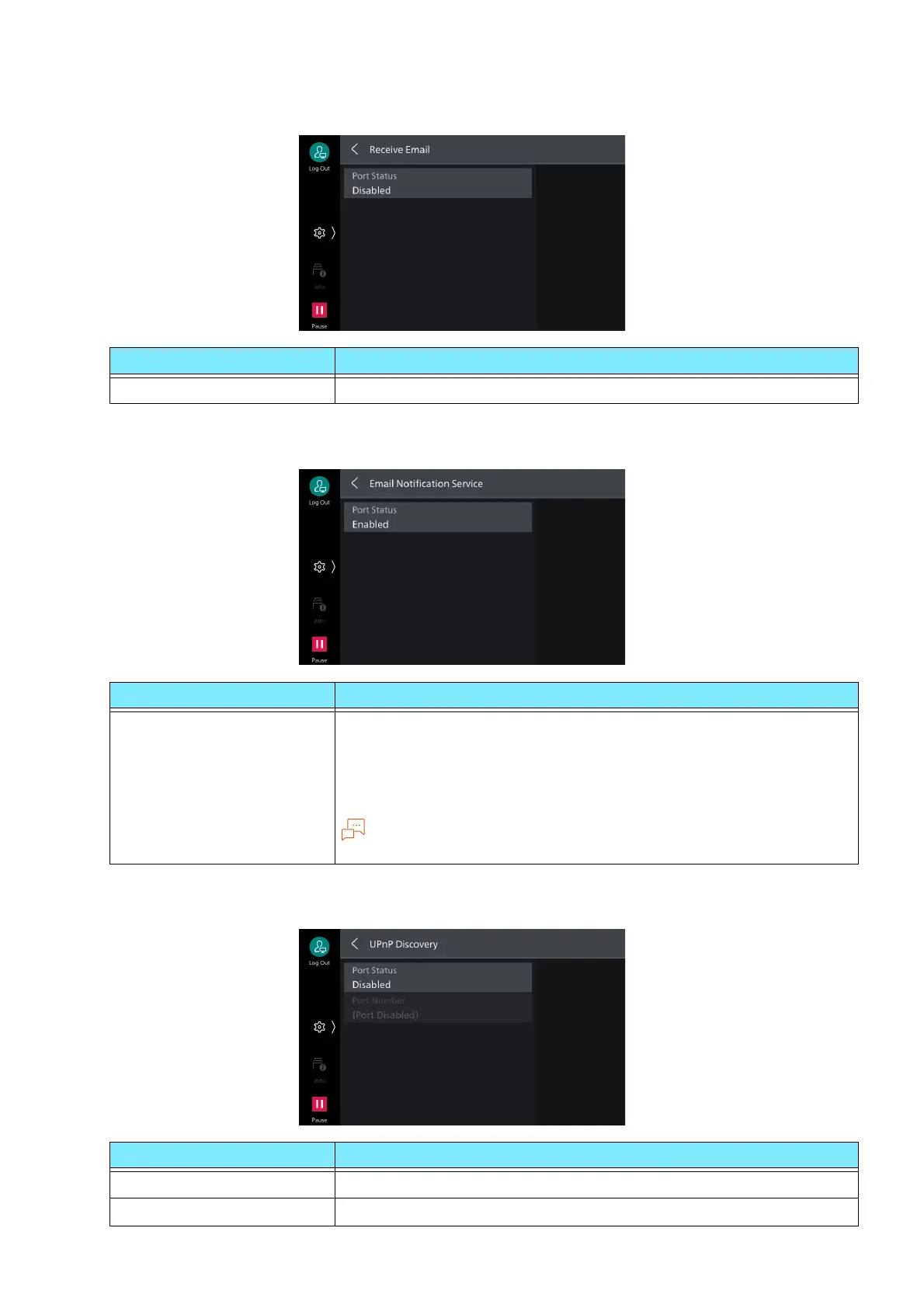
[Receive Email]
[Email Notification Service]
[UPnP Discovery]
Item Description
[Port Status] Set to [Enabled] to receive Email.
Item Description
[Port Status] Set to [Enabled] to use Email notification service or [Notify Job
Completion by Email].
The status of the notified machine is: “Consumables Status”, “Parts
Status”, “Paper Tray Status”, “Output Tray Status”, “Jam Status”,
“Interlock Status”, or “Fault Notice”.
Note
Setting of Email Notification Service is done with Internet Services.
Item Description
[Port Status] Set to [Enabled] to use UPnP.
[Port Number] Set port number used with UPnP communication.



 To Next Page
 Loading...








