85
5.5 [Network Settings]
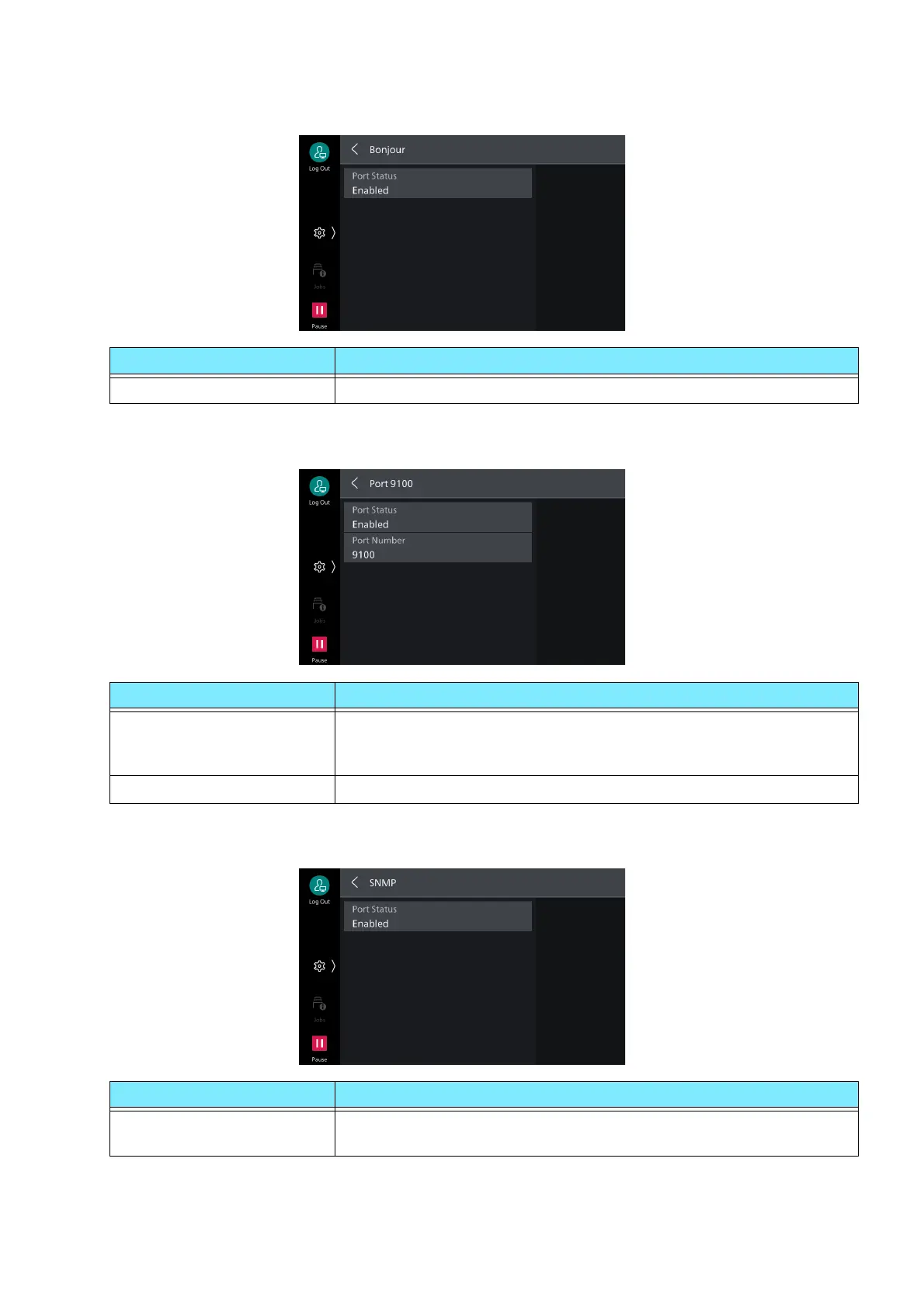
[Bonjour]
[Port 9100]
[SNMP]
Item Description
[Port Status] Set to [Enabled] to use Bonjour.
Item Description
[Port Status] Set to [Enabled] to use Port 9100.
Set when using RAW protocol with normal TCP/IP port monitor of
Windows.
[Port Number] Set port number used with Port 9100.
Item Description
[Port Status] Set to [Enabled] to use SNMP. This is set when using applications
made by us for managing the machine using a network.



 To Next Page
 Loading...








