102
How to operate the Memory Stick player
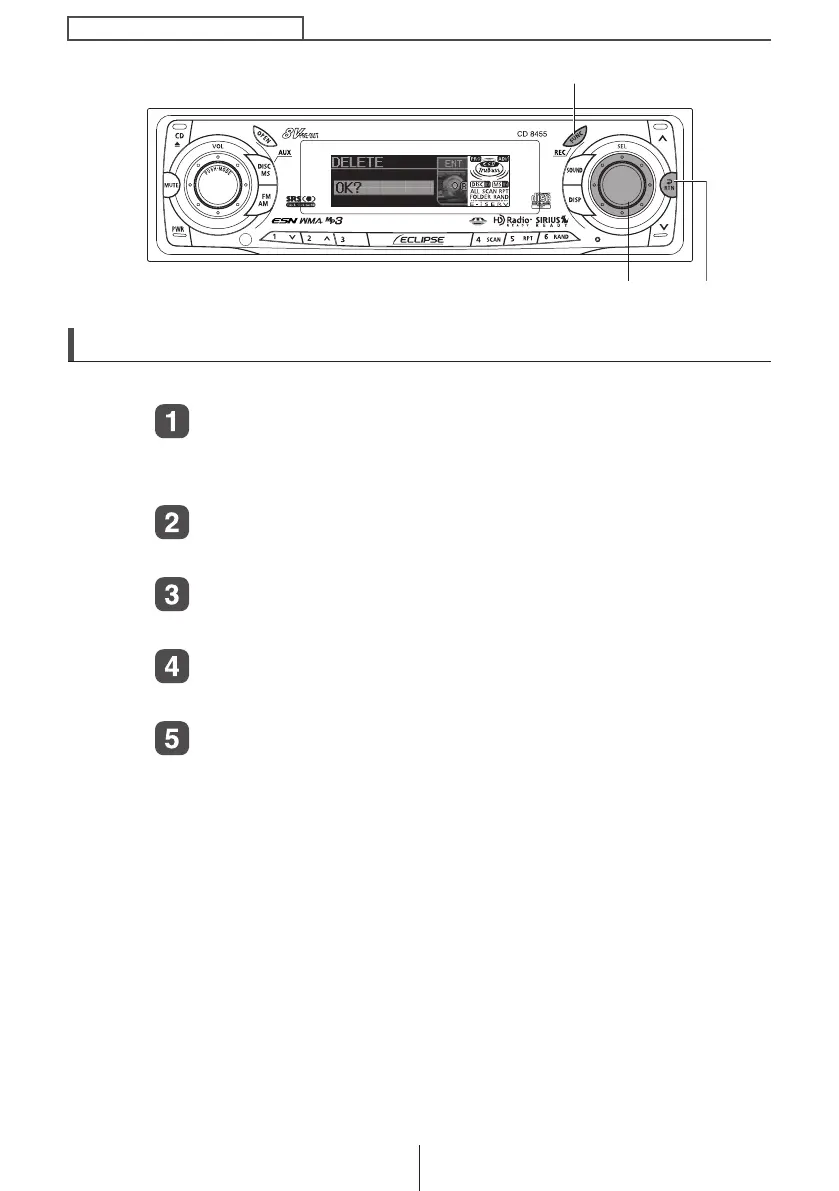
Deleting recorded file
The recorded files being played back can be deleted.
Press the [FUNC] button for less than one second, when
the recording file being played back.
The function mode is activated.
Turn the [SEL] button to select Memory Stick.
The selection item is highlighted.
Press the [SEL] button.
The Memory Stick setting mode is activated.
Turn the [SEL] button to select Delete.
The selection item is highlighted.
Press the [SEL] button.
The file deletion selection screen will be displayed.
[FUNC] button
[SEL] button [RTN] button
CD8455.book 102 ページ 2004年12月11日 土曜日 午後7時24分



 To Next Page