112
How to operate the tuner
Deleting a station name
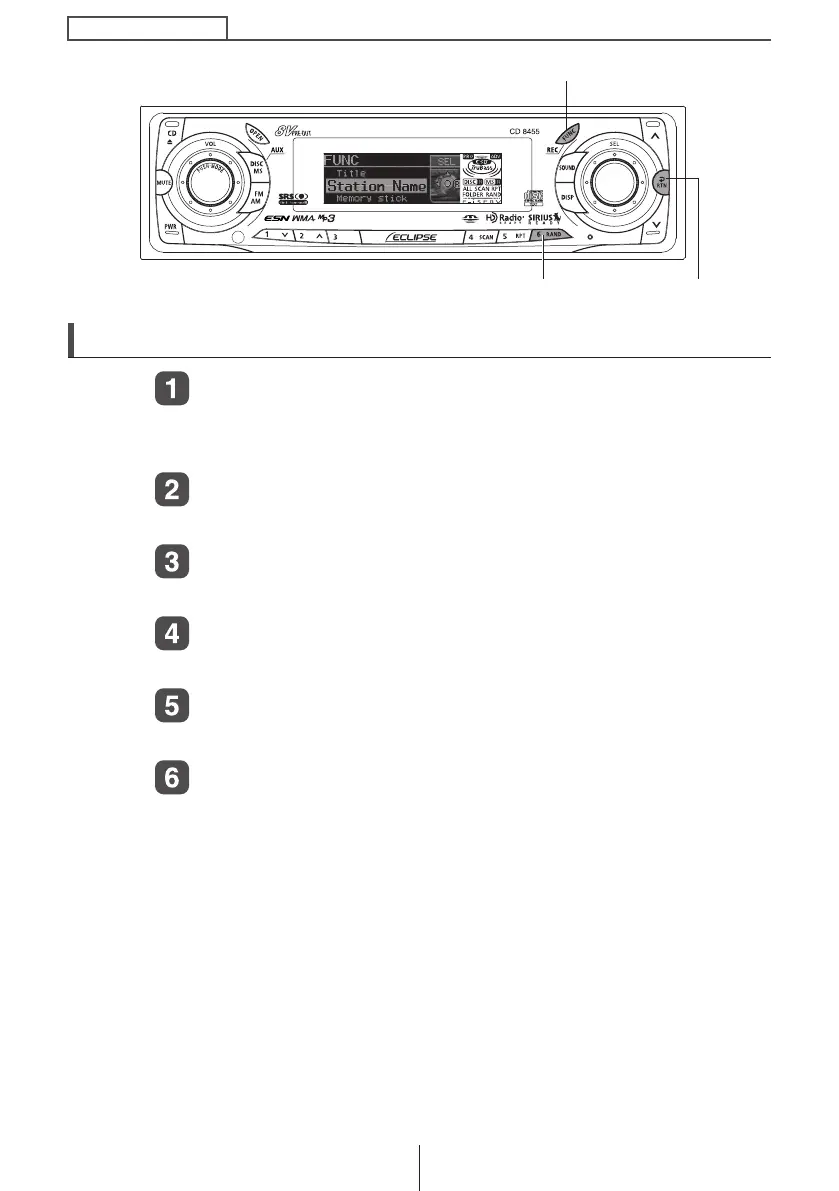
Press the [FUNC] button for less than one second while
in the tuner mode.
The function mode is activated.
Turn the [SEL] button to select Station Name.
The selected item will be highlighted.
Press the [SEL] button.
The station name that is displayed at this point will be deleted.
Hold the [6] button down for more than two seconds.
The station name has now been deleted.
Press the [RTN] button.
At this time, other adjustments can also be made in function mode.
Press the [FUNC] or [RTN] button to exit function mode.
[FUNC] button
[RTN] button
Button [6]
CD8455.book 112 ページ 2004年12月11日 土曜日 午後7時24分



 To Next Page