180
How to operate the AREA SHOT function (U.S.A. only)
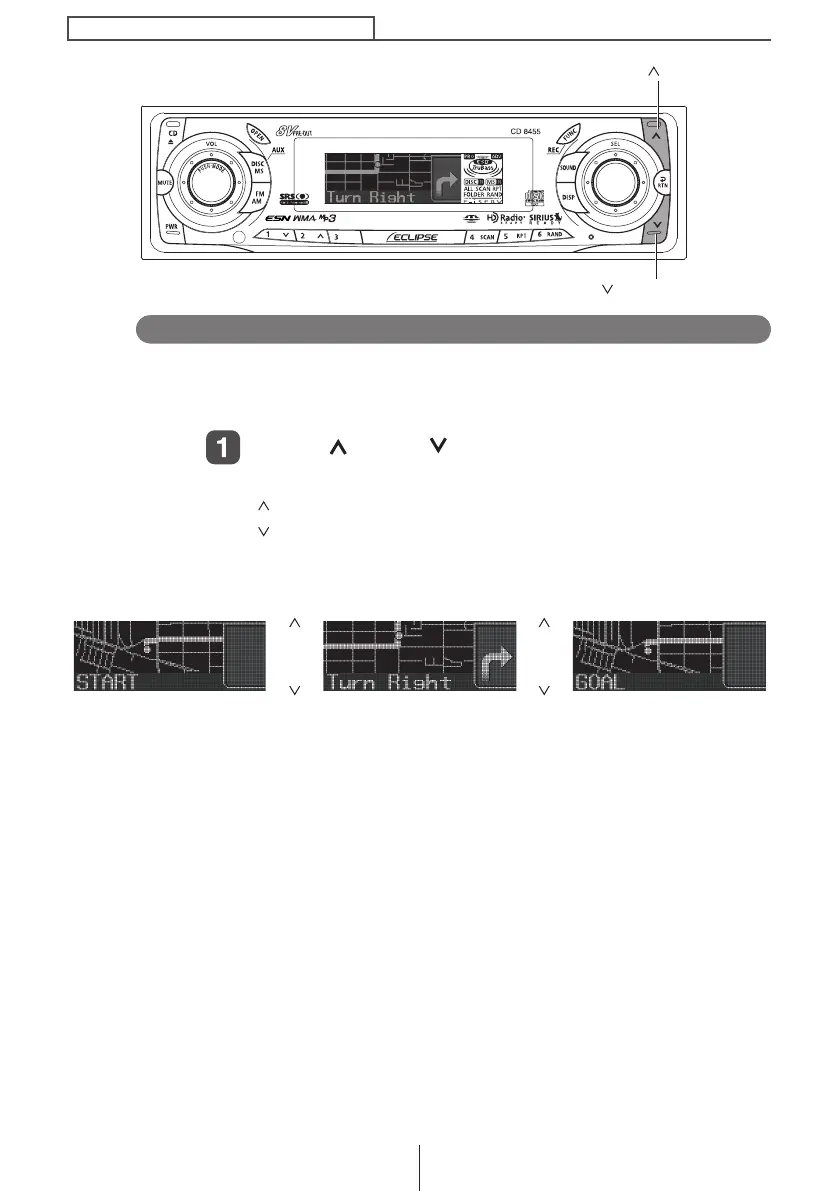
Switching between guidance points
After passing each location described in the guidance, it is
necessary to switch manually to the next guidance screen. The
previous screen can also be accessed manually and confirmed.
Press [ ] and [ ] to switch between guidance
points.
[ ]............. To switch to the next guidance point.
[ ]............. To switch to the previous guidance point.
With each press of the button, the guidance display changes
as follows:
[]
→
←
[]
[]
→
←
[]
Start point Intersections, etc. Destination
[] button
[ ] button
CD8455.book 180 ページ 2004年12月11日 土曜日 午後7時24分



 To Next Page