172
How to operate the Sound Adjustment Mode
Custom Mode
Values (PEQ, time alignment, cross over value) can be adjusted
using the custom mode on the web site. Adjust values following the
instructions provided on the E-iSERV operation procedure screen,
and download the data to a Memory Stick.
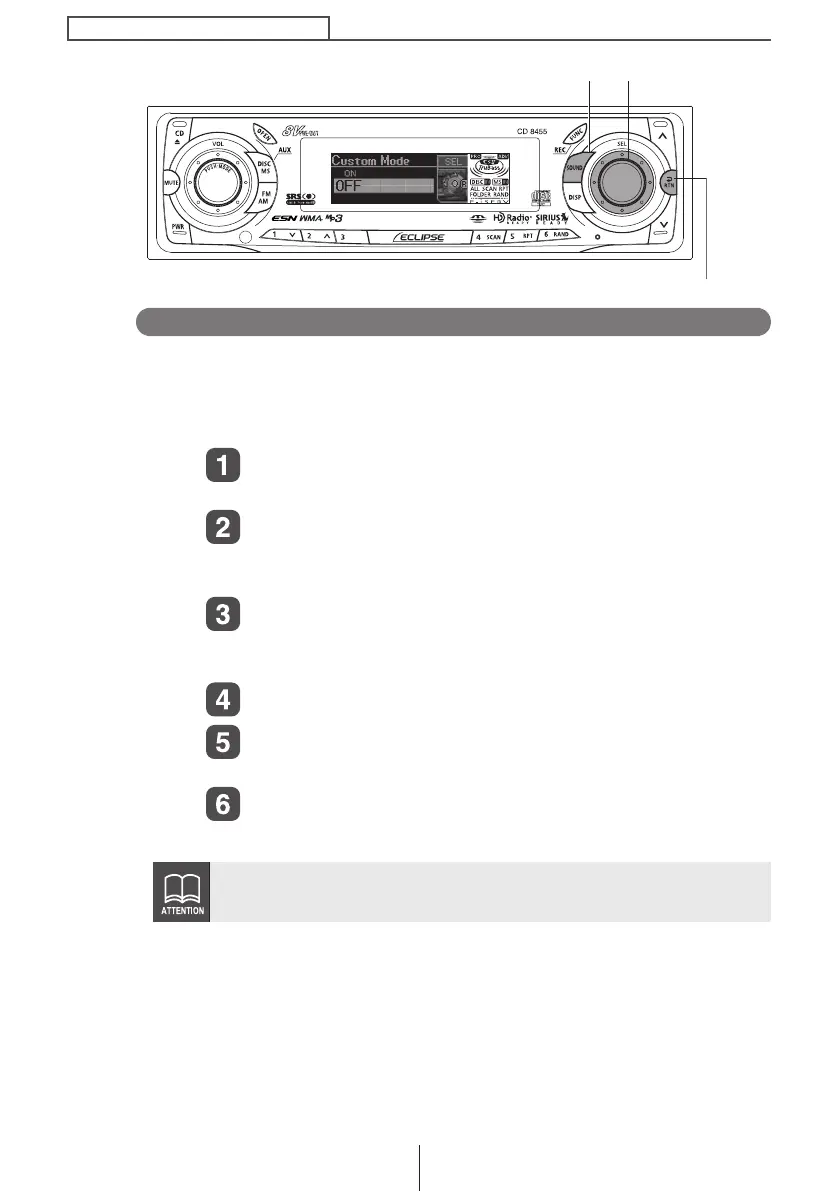
Turn the [SEL] button to select Custom Mode.
The selected item is highlighted.
Press the [SEL] button.
The mode will change to Custom mode.
Insert a memory stick containing data.
Turn the [SEL] button to select ON or OFF.
If a Memory Stick is not inserted, a caution appears instead of
ON/OFF.
Press the [SEL] button.
Press the [RTN] button.
At this time, other adjustments can also be made in pro mode.
Press the [SOUND] or [RTN] button to exit sound
adjustment mode.
PEQ, time alignment, and cross over values cannot be adjusted while
the custom mode is on. To adjust values, turn the custom mode off.
[SOUND] button
[RTN] button
[SEL] button
CD8455.book 172 ページ 2004年12月11日 土曜日 午後7時24分



 To Next Page