91
How to operate the MP3/WMA player
VI
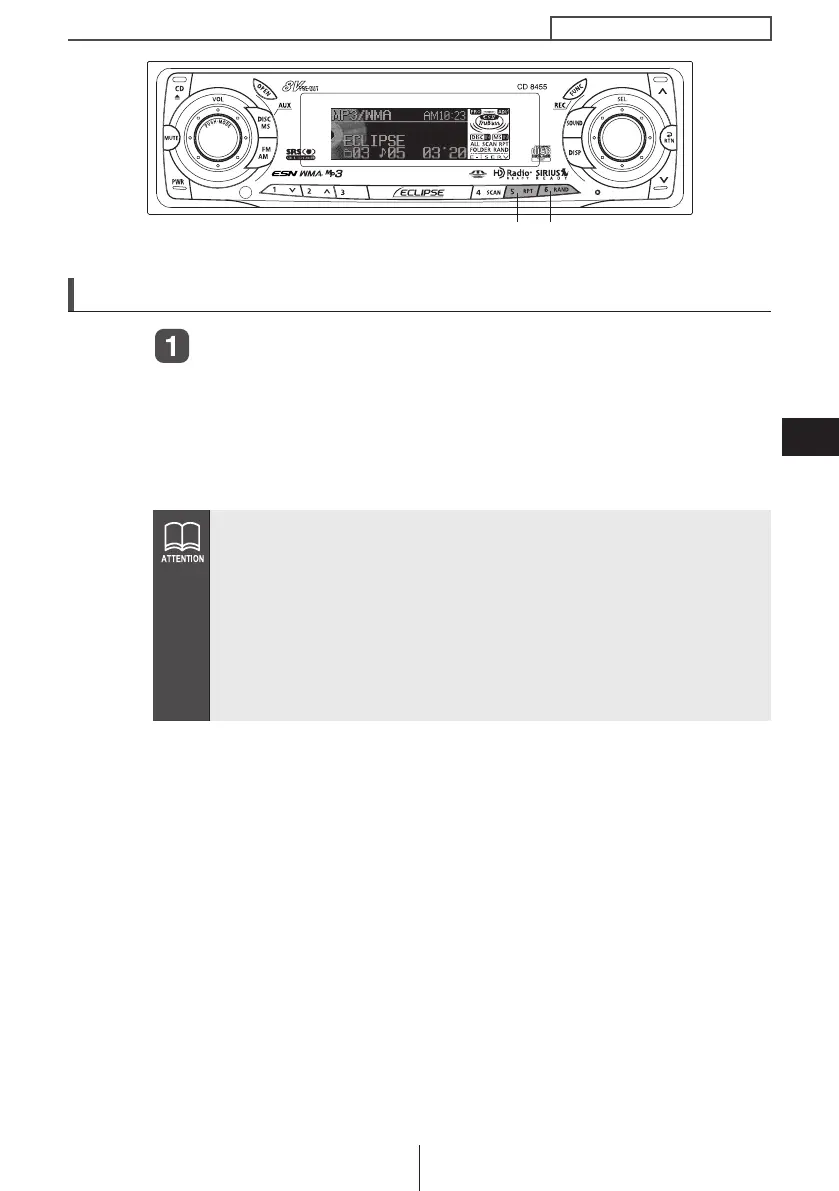
Playing files in random order (RANDOM)
Press the [6 RAND] button.
Press the button briefly to randomly play the files in the same layer
as the folder being played.
Pressing the button until [ALL RANDOM] is displayed will randomly
play the files in all the folders.
To cancel, press the [6 RAND] button again.
● During random playback, press the [5 RPT] button to repeat the
file being played. To cancel repeat play (go back to random
play), press the [5 RPT] button again.
During playback of a particular file: The file being played is
played repeatedly.
While searching: The following file is played repeatedly.
● Occasionally the same file happens to be played (selected) two
or more times in a row; this is normal operation and is not a sign
of a problem.
[6 RAND] button[5 RPT] button
CD8455.book 91 ページ 2004年12月11日 土曜日 午後7時24分



 To Next Page