148
How to operate the Sound Adjustment Mode
Operations during Pro Mode
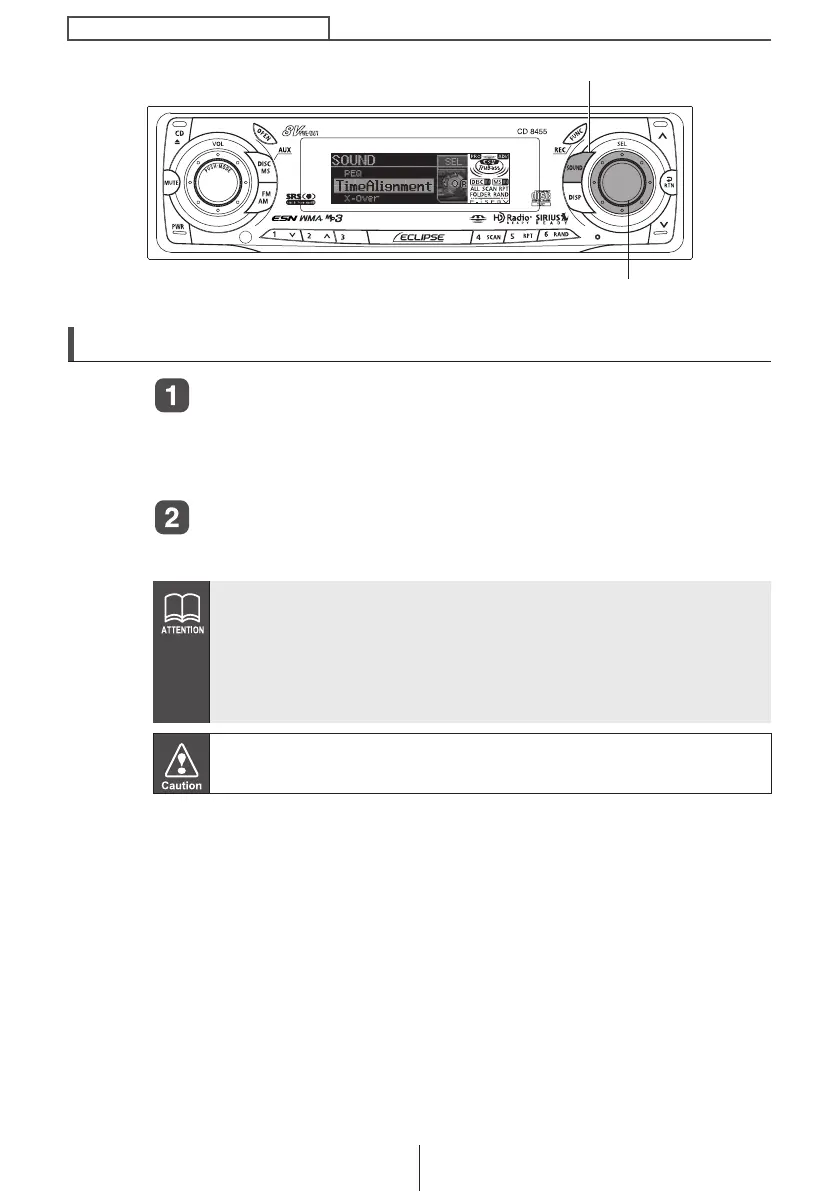
Press the [SOUND] button for more than five seconds.
The mode switches between normal mode and pro mode each time
the button is pressed. During pro mode, "PRO MODE ON" and the
scroll display appear in the display.
Press the [SOUND] button.
The mode will switch to sound adjustment mode (Pro mode).
● If the vehicle is equipped with a 3-way speaker system, do not
change from pro mode to normal mode. Doing so may cause
damage to the speakers.
● If you press the [SOUND] button during sound adjustment
mode, the adjustment mode is canceled and the mode returns
to audio playback mode.
When switching between Normal Mode and Pro Mode, please make
sure that the volume level is set to 0.
[SOUND] button
[SEL] button
CD8455.book 148 ページ 2004年12月11日 土曜日 午後7時24分



 To Next Page