205
How to operate the tuner with an optional SIRIUS satellite radio tuner connected (U.S.A. only)
XIV
Category selection
The channel can be selected from among categories such as POP and
ROCK.
Consult the SIRIUS website for details of categories.
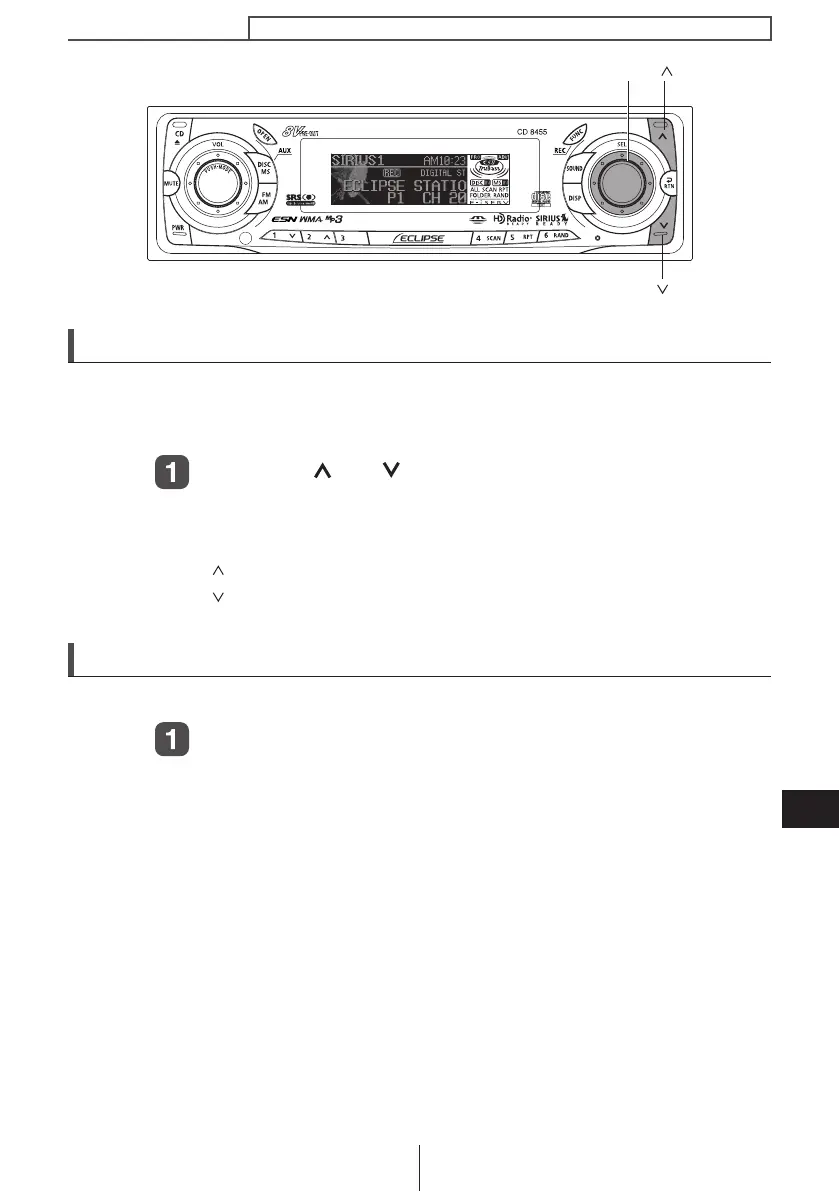
Press the [ ] or [ ] button for more than one second.
Categories will switch in order shown below each time button is
pressed.
[ ] button .............. Advance to next category.
[ ] button .............. Return to previous category.
Direct Channel selection
The channel can be selected by inputting the channel directly.
Press and hold the [SEL] button for more than two
seconds.
The mode will change to direct channel selection mode.
[ ] button
[ ] button
[SEL] button
CD8455.book 205 ページ 2004年12月11日 土曜日 午後7時24分



 To Next Page