165
How to operate the Sound Adjustment Mode
IX
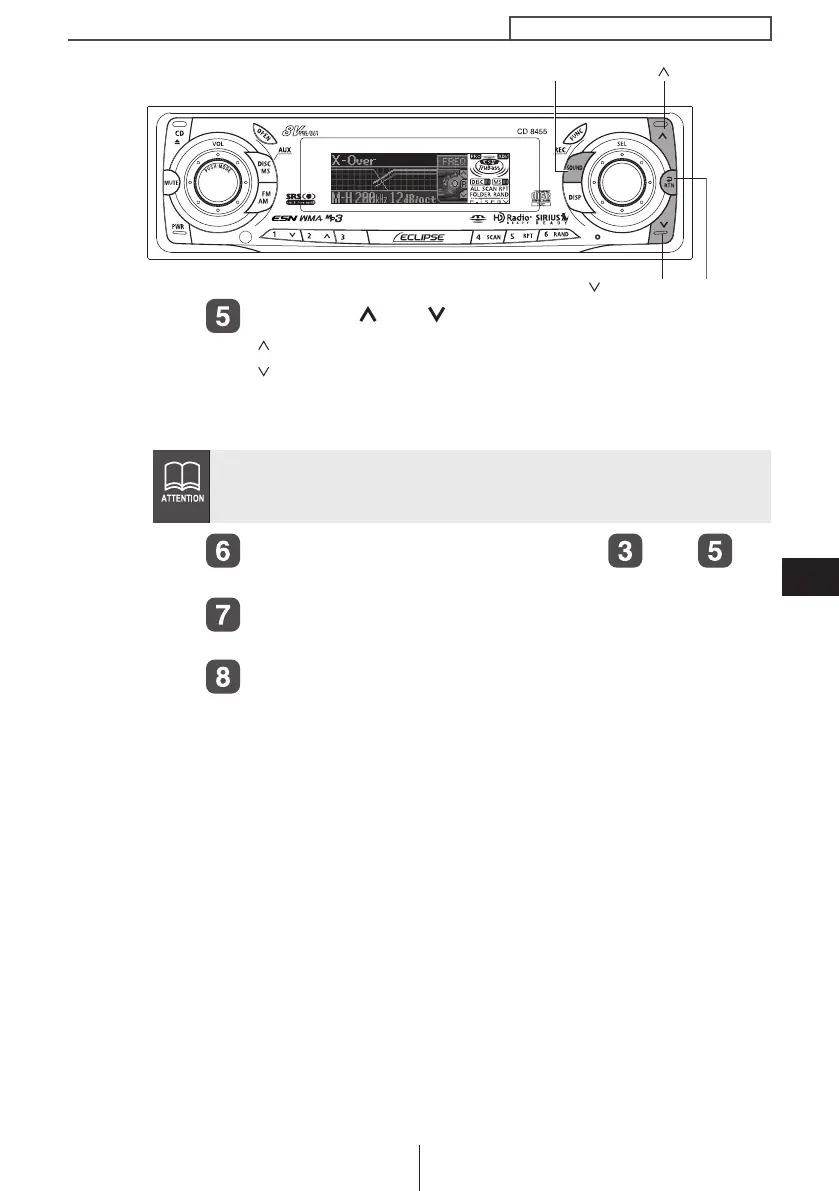
Press the [ ] or [ ] buttons to set the slope.
[ ] button : The slope becomes more gentle.
[ ] button : The slope becomes steeper.
The slope can be set to "PASS", "6dB/oct", "12dB/oct", "18dB/
oct" or "24dB/oct".
Repeat the operations in steps to to
change the settings for each channel.
Press the [RTN] button.
At this time, other adjustments can also be made in pro mode.
Press the [SOUND] or [RTN] button to exit sound
adjustment mode.
If no woofer has been connected, set the slope adjustment to "PASS".
(If slope is set to a setting other than PASS, the low frequency range
will not be output from the speakers.)
[RTN] button
[SOUND] button
[ ] button
[ ] button
CD8455.book 165 ページ 2004年12月11日 土曜日 午後7時24分



 To Next Page