202
How to operate the tuner with an optional HD Radio tuner connected (U.S.A. only)
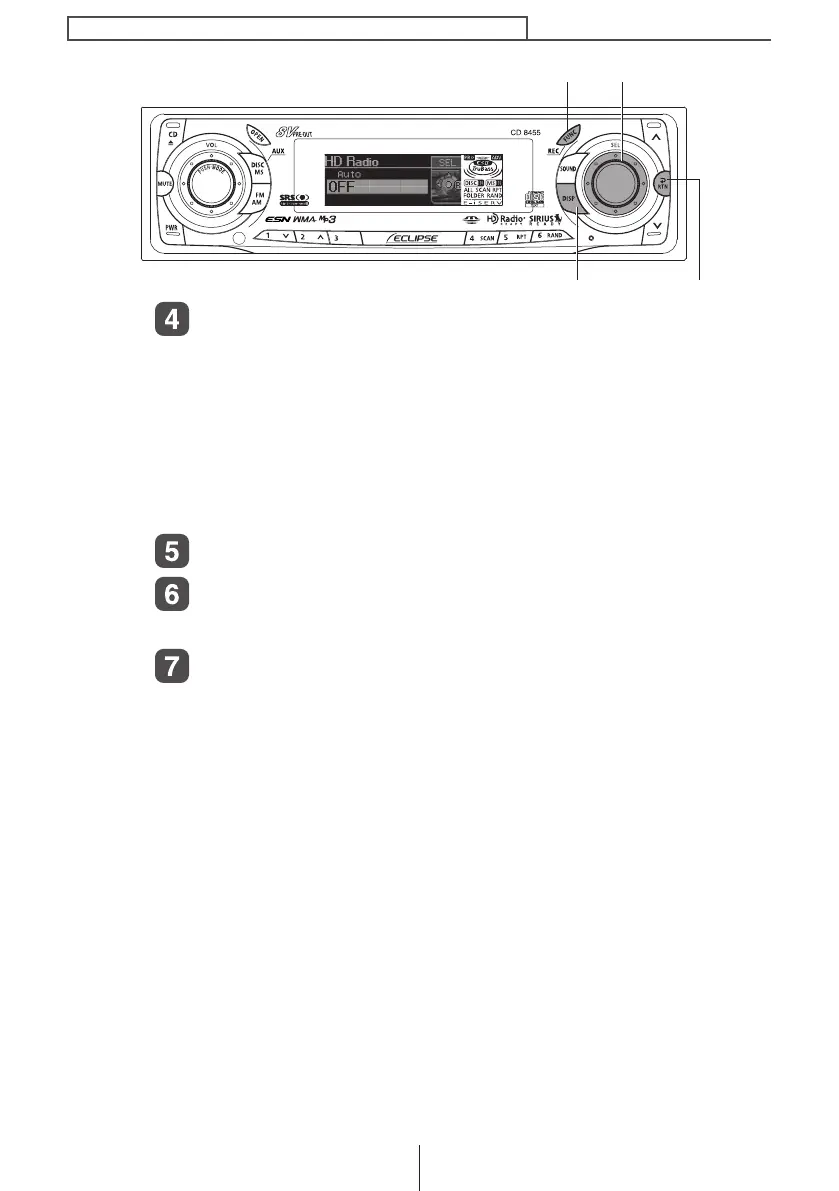
Turn the [SEL] button to select AUTO or OFF.
The selected item will be highlighted.
In the [AUTO] setting, the selection is switched between digital and
analog reception automatically. In areas where digital reception is
not possible, reception is automatically switched to analog to avoid
loss of reception. During digital reception, [DIGITAL] is shown on
the display. This is cleared during analog reception.
In the [OFF] setting, reception is always analog.
Press the [SEL] button.
Press the [RTN] button.
At this time, other adjustments can also be made in function mode.
Press the [FUNC] or [RTN] button to exit function mode.
[DISP] button [RTN] button
[FUNC] button [SEL] button
CD8455.book 202 ページ 2004年12月11日 土曜日 午後7時24分



 To Next Page