Chapter 2 Operating the Library
2.6 Maintaining the Library
FUJITSU Storage ETERNUS LT260 Tape Library User’s Guide -Panel Operation-
Copyright 2016 FUJITSU LIMITED P3AM-8802-04ENZ0
59
• Regular Dump (*2)
Saves the drive error information that is stored in the nonvolatile memory. The errors that occur just
before saving may not be saved.
• Forced Dump (*2)
Saves the error information up to the point when the Dump was executed. Since the size of the
memory that is used for recording is small, if a considerable amount of time elapses after the error
occurred, there may be cases when the error information is not saved.
*1: Displayed if the model name of the tape drive is in the following list:
LT26ASHE, LT26ASHL (LTO-5 SAS HH drive option)
LT26AFHE, LT26AFHL (LTO-5 FC HH drive option)
*2: Displayed if the model name of the tape drive is in the following list:
LT26BSKE, LT26BSKL (LTO-6 SAS HH drive option -I)
LT26BFKE, LT26BFKL (LTO-6 FC HH drive option -I)
LT26BSME, LT26BSML (LTO-7 SAS HH drive option -I)
LT26BFME, LT26BFML (LTO-7 FC HH drive option -I)
3 Check the drive, and then click Save.
2.6.6 Downloading Log and Trace Files
This operation can be executed from only remote panel operation.
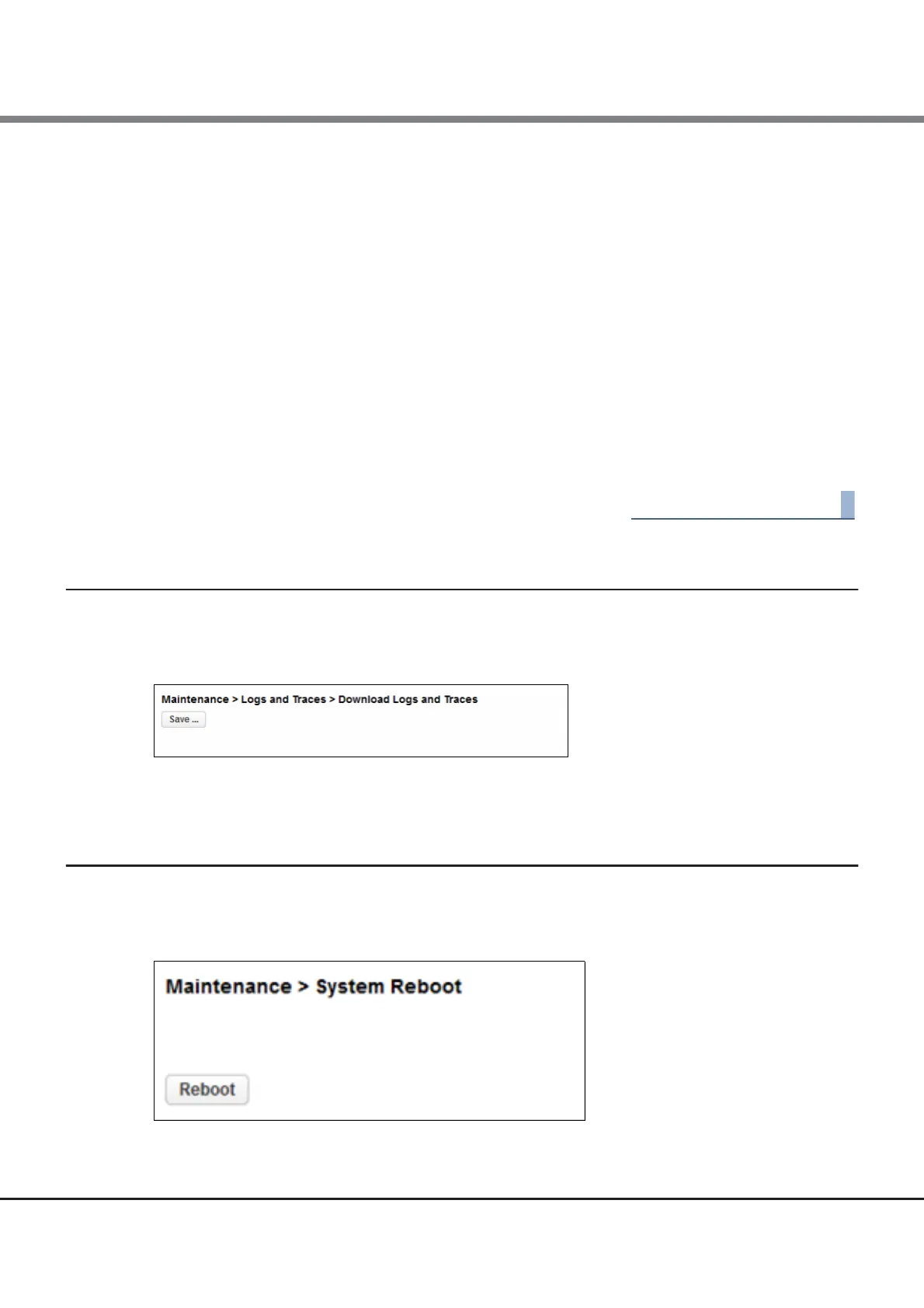
Figure 2.34 Download logs and traces
To download the library log and trace files from the remote panel, navigate to the Maintenance > Logs and
Traces > Download Logs and Traces screen and then click Save.
2.6.7 Rebooting the Library
From the Maintenance > System Reboot screen, click Reboot.
Figure 2.35 System reboot














 To Next Page