Chapter 2 Operating the Library
2.8 Viewing Status Information
FUJITSU Storage ETERNUS LT260 Tape Library User’s Guide -Panel Operation-
Copyright 2016 FUJITSU LIMITED P3AM-8802-04ENZ0
74
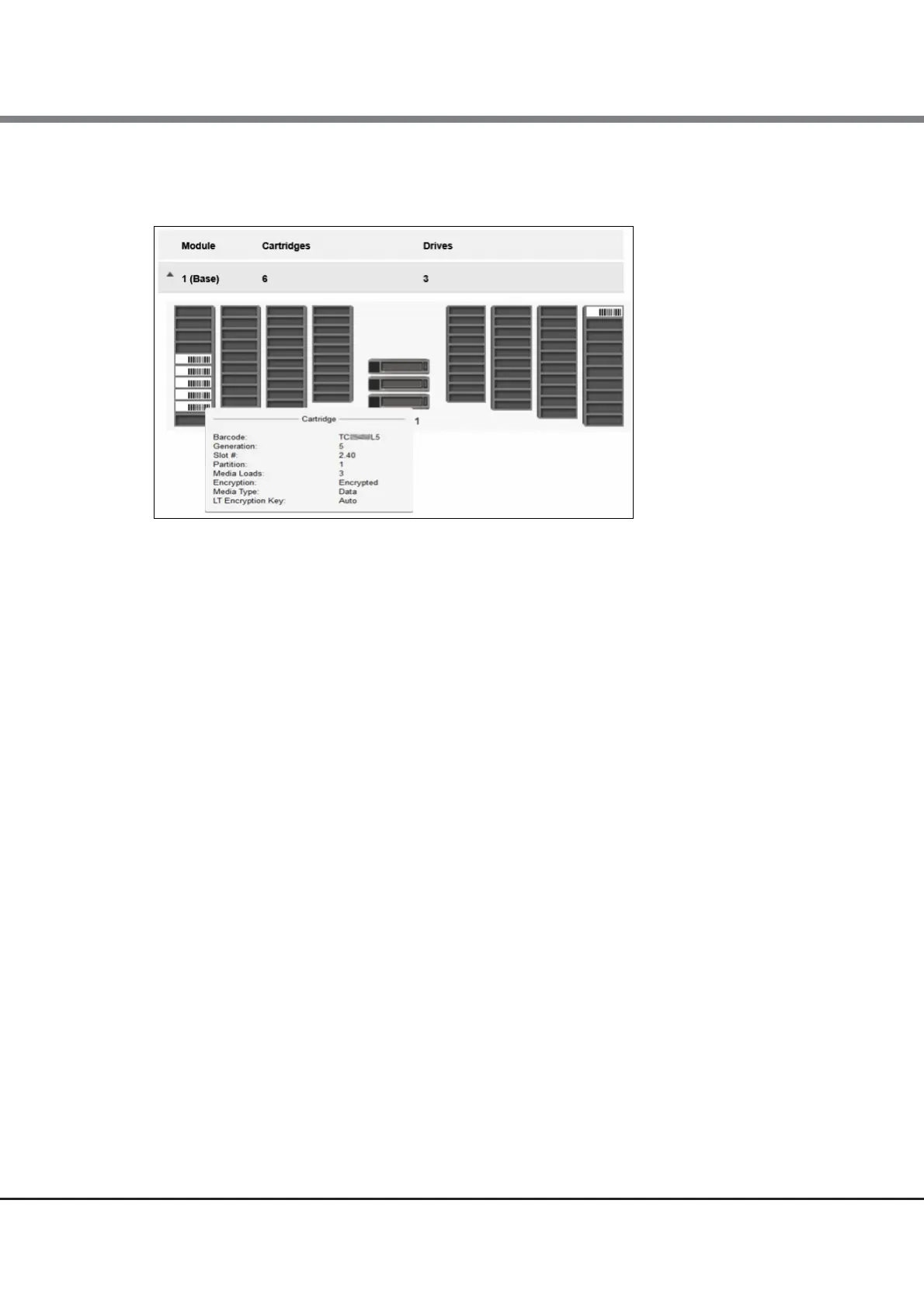
When the mouse pointer is moved over a drive or cartridge, the following additional information is displayed.
Figure 2.48 Inventory graphical view (display status)
• Drive
LTO generation of drive and format (Half Height)
• Drive #
The drive number
• Serial #
Serial number of the drive
• Slot #
The slot number in the form <module>.<slot>, where module is the module number and slot is the slot
number
• Barcode
Barcode data on label
• Generation
LTO generation of cartridge
• Partition
The partition number
• Media Loads
The number of media loads
• Encryption
Indicates whether data on this media is encrypted.
• Media Type
The type of the media that is applicable
• LT Encryption Key
The type of the encryption key when the Key Management Function Option is used














 To Next Page