Setting the ScanSnap (for Windows users)
72
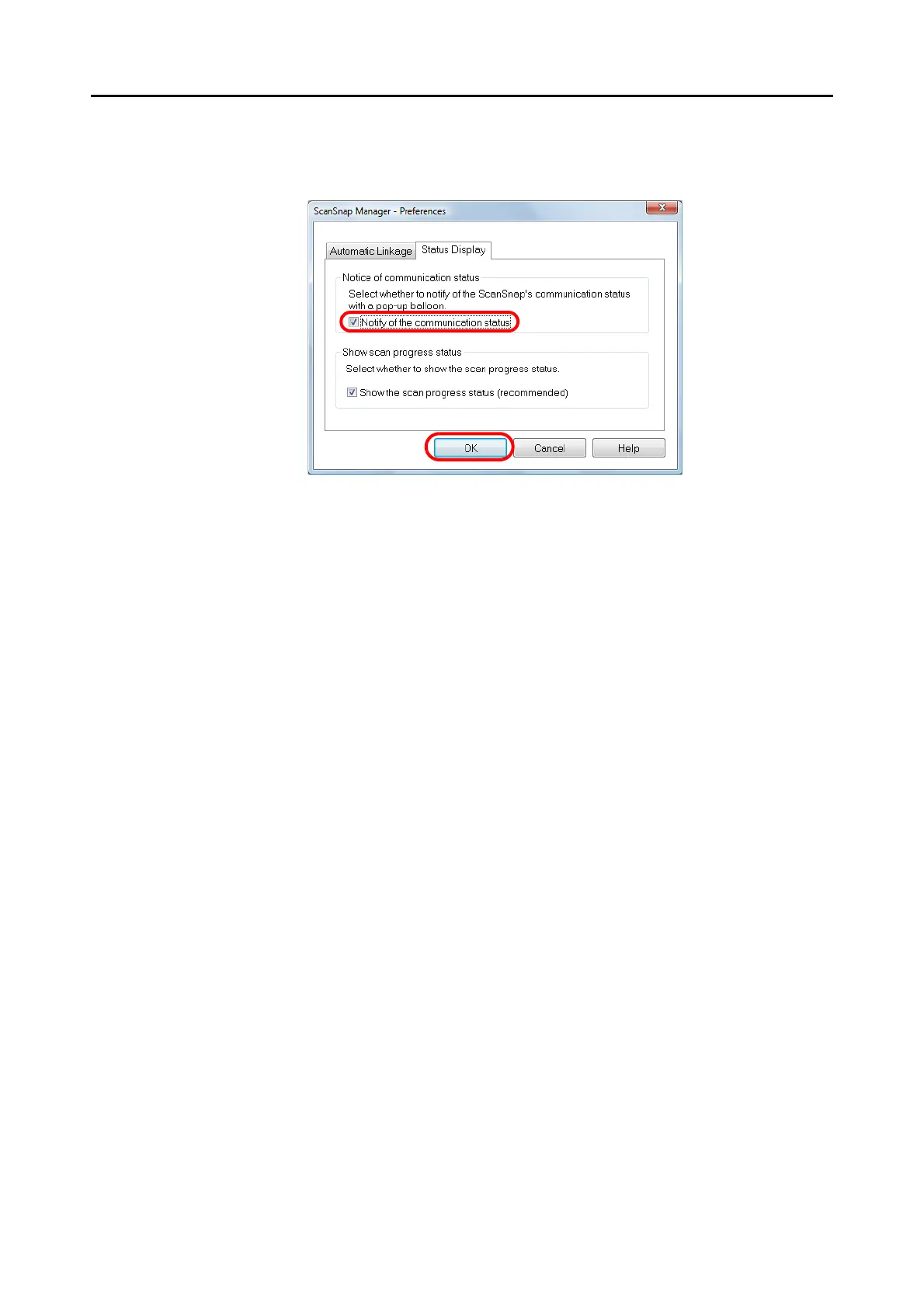
2. In the [Status Display] tab, either select or clear the [Notify of the
communication status] check box and click the [OK] button.
D When you select the [Notify of the communication status] check box, you will be
notified of the communication status in conjunction with the ScanSnap being turned
ON/OFF.
D When you clear the [Notify of the communication status] check box, you will not be
notified of the communication status.



 To Next Page
 Loading...













