About Actions (for Windows users)
86
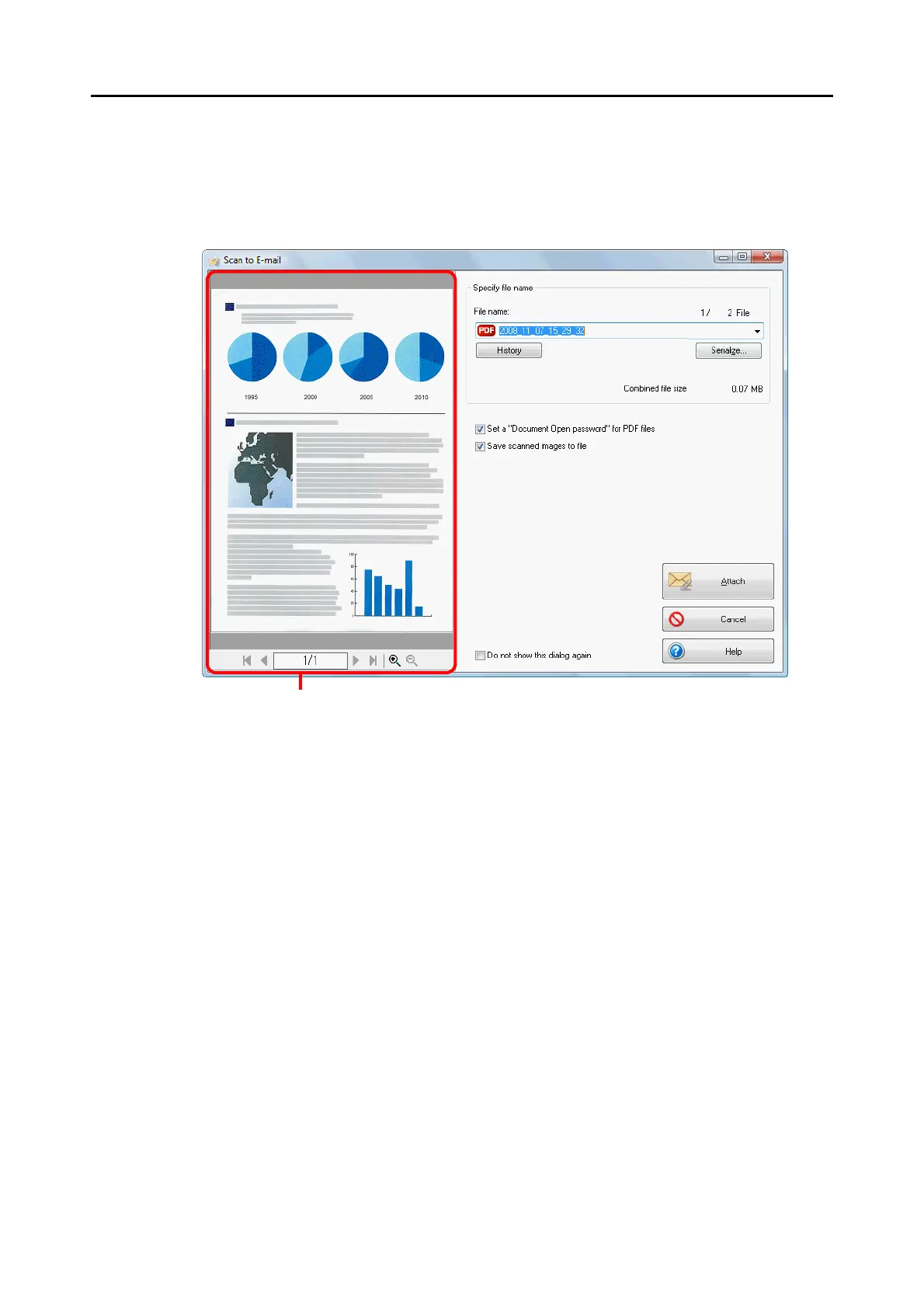
5. Check the scanned image in the [Scan to E-mail] dialog box.
You can also change file names, specify whether to set a "Document Open Password"
and save scanned files after sending them by e-mail.
For details about the [Scan to E-mail] dialog box, refer to ScanSnap Manager Help.



 To Next Page
 Loading...













