Working with the Tablet PC
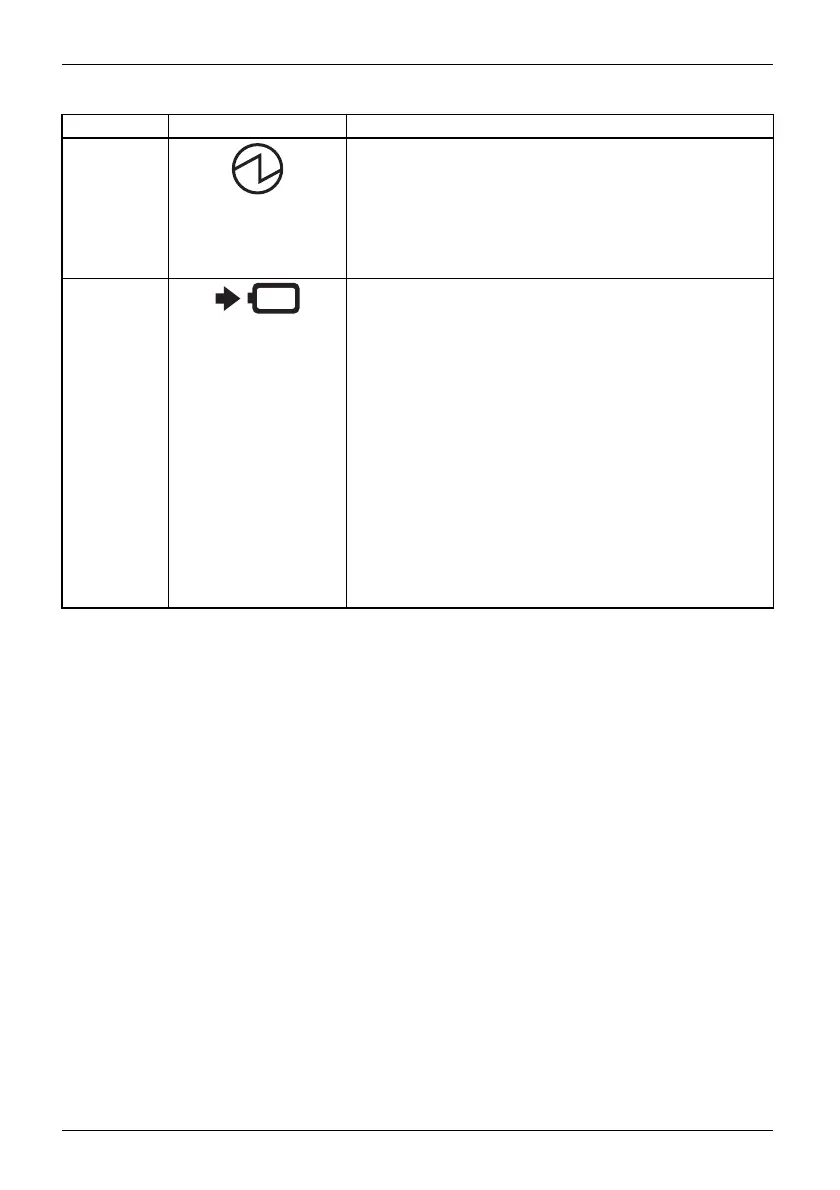
No. Status displays Description
1 Power-on indicator
• The indicator lights up white: The tablet PC is switched
on.
• The indicator flashes: The Tablet PC is in sleep mode
(Save-to-RAM).
• The indicator is not lit: The Tablet PC is sw itched off
or in Save-to-Disk m ode.
2 Battery charg ing indicator
Please note: If the mains adapter is connected when t he
state of charge of the batte ry is more than 90 %, charging
will n ot be started. W hen the s tate of charge of the battery
is less than 90 %, th e battery will be charge d to 100 % as
soon as the mains adapter is connected.
• The indicator light is orange: The battery is being
charged.
• The indicator is n ot lit: The battery is not being charged
(the battery is already more than 90% charged or the
mains adapter is not connected).
• The indicator flashes orange: Rechargeable battery
charging error. The recharge able battery cannot be
charged because the battery is too hot or too c old for
charging. The charging proce ss is continued as soon
as the battery has r eached a permissible temperature
again.
20 Fujitsu



 To Next Page
 Loading...









