Connecting e xtern a l devices
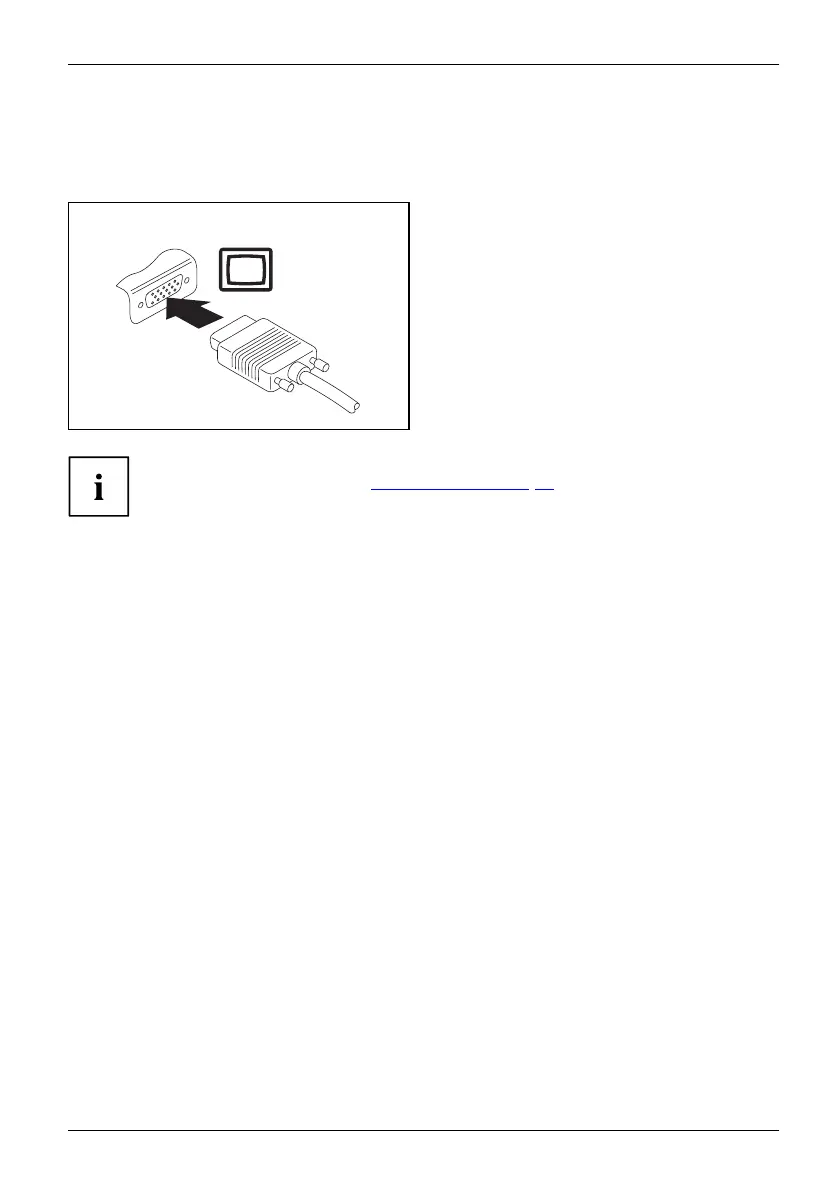
VGA monitor port (cradle only)
An analogue monitor is connected to the analogue VGA monitor port. The screen output
is limited to a maximum of two externa l screens at the same time.
MonitorVGA connectionsock etScreenportMonitorport
► Switch off the Tablet PC and t he
external monitor.
► Plug th e data c able of the external
monitor into the monitor port.
► First switch on ext ernal monitor and
then the Tablet PC.
You can also switch back and forth between the e xternal monitor and the LCD
screen of the Tablet PC, s ee "
Touch screen", Page 22.
You can display the same picture on the external monitor and the LCD
screen of the Tablet PC simultaneously.
Fujitsu 61



 To Next Page
 Loading...









