Accessories for your Tablet PC (opti
onal)
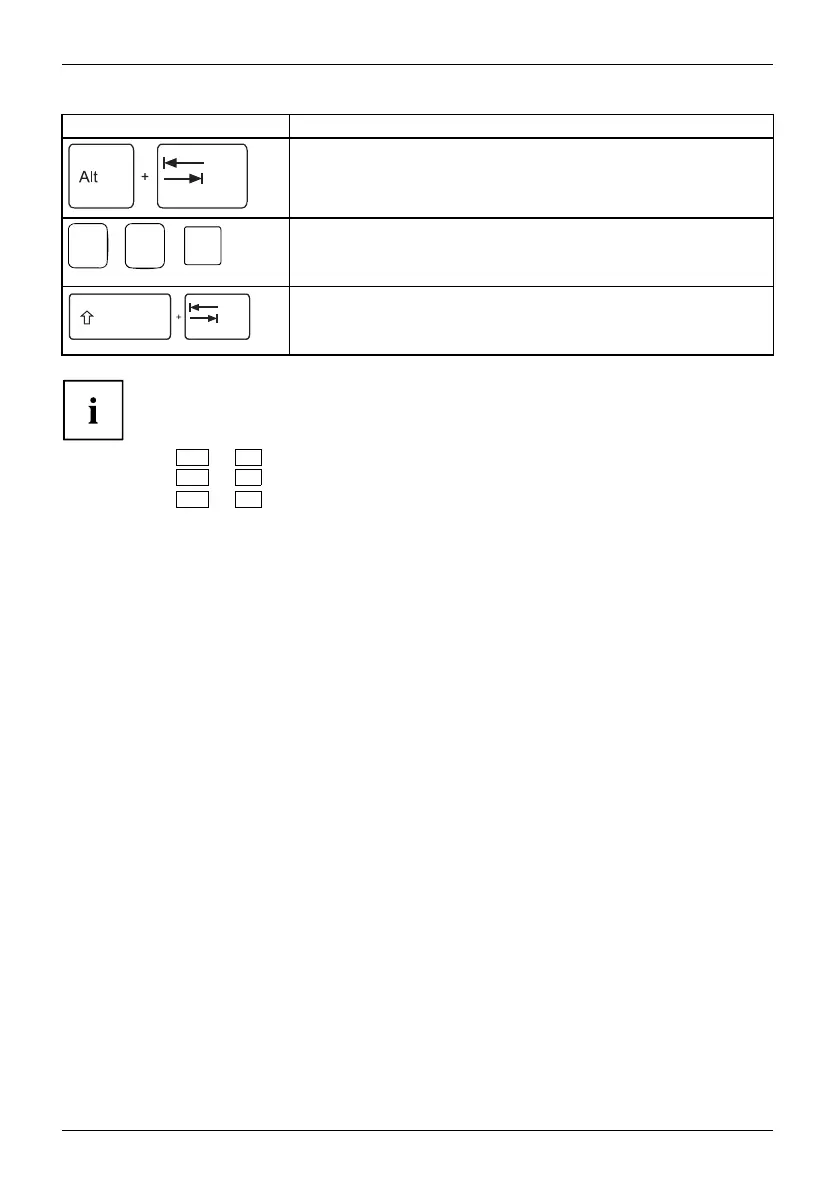
Combination Description
Switch between open applicatio
ns
Use this key combination to swit
ch between several open
applications.
Alt+Tab
AltCtrl
Del
++
Windows security/Task-Manager
This key combination opens the Windows security/Task-Manager
window.
Ctrl+Alt+Del
Back tab
This ke y combination moves the cursor back to the previous tab
stop.
Shift+TabBacktab
Key combinations using the W indows keys are detailed in the manual
for your operating system.
In addition, the following non-labelled key combinations a re supported:
•
Fn
+
S
= Pause
•
Fn
+
B
= Break
•
Fn
+
R
= SysRq
52 Fujitsu



 To Next Page
 Loading...









