Security functions
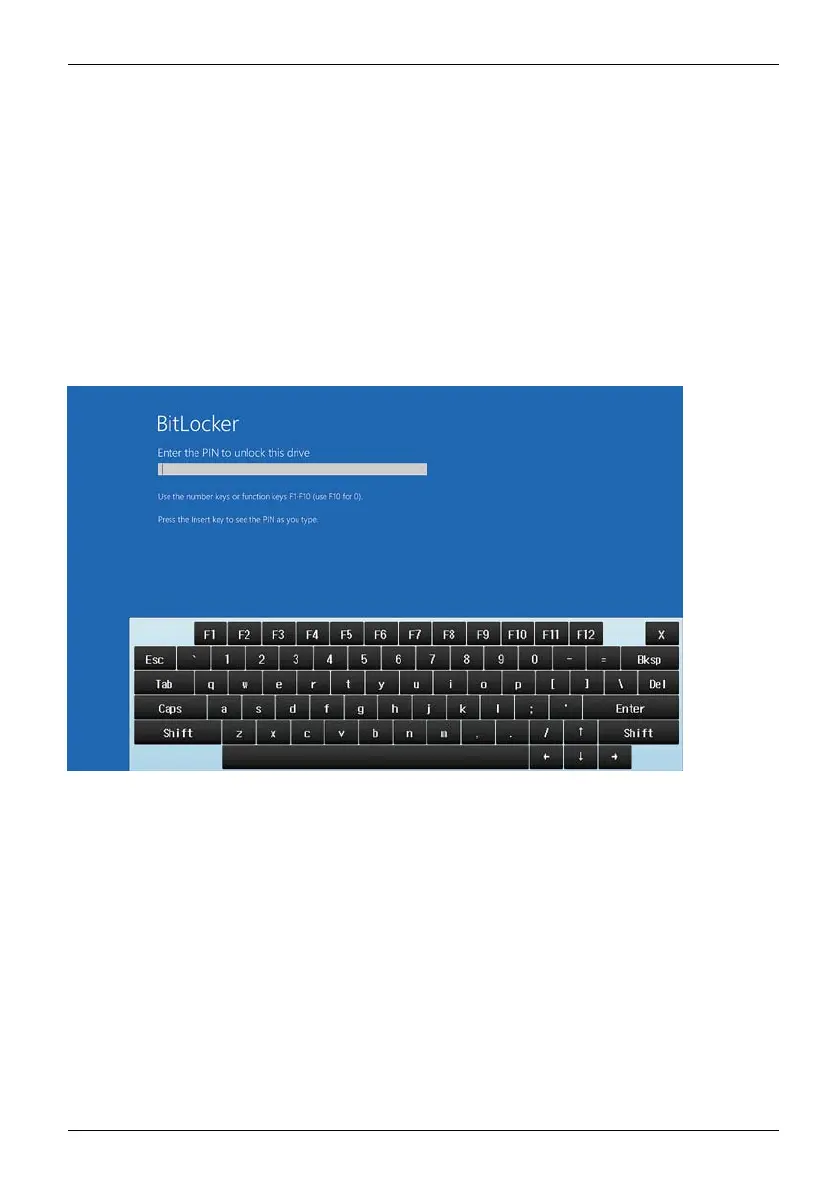
Enable password entry using the on-screen keyboard
(on-screen keyboard for BitLo
cker password)
If TPM is enabled, you can enable an OnScreen keyboard for the internal
touchscreen in the BIOS Setup.
► Call BIOS Setup and select the Advanced menu.
► Mark Boot Configurations a
nd press the enter key.
► From the UE FI Boot On-Screen Keyboard selection, choose the option Enabled.
► In the Exit menu, choose t
he option Exit Saving Changes.
► Press the enter key and select Yes.
The tablet PC is reboote
d and the password dialogue is displayed.
Taponthepasswordfield to enable the on-screen keyboard.
Fujitsu 59



 To Next Page
 Loading...









