EN
When #A is executed, the above example will appear on the screen as:
The speed is 50000 counts/sec
Using the MG Command to Configure Terminals
The MG command can be used to configure a terminal. Any ASCII character can be sent by using the
format {^n} where n is any integer between 1 and 255.
Example:
MG {^07} {^255}
sends the ASCII characters represented by 7 and 255 to the bus.
Summary of Message Functions
function description
" " Surrounds text string
{Fn.m}
Formats numeric values in decimal n digits to the left of the decimal point and
m digits to the right
{P1}, {P2}, {U} or {E}
Send message to Main Serial Port, Auxiliary Serial Port, USB Port or Ethernet
Port
{$n.m} Formats numeric values in hexadecimal
{^n} Sends ASCII character specified by integer n
{N} Suppresses carriage return/line feed
{Sn} Sends the first n characters of a string variable, where n is 1 thru 6.
Displaying Variables and Arrays
Variables and arrays may be sent to the screen using the format, variable= or array[x]=. For example,
v1= returns the value of v1.
Example - Printing a Variable and an Array element
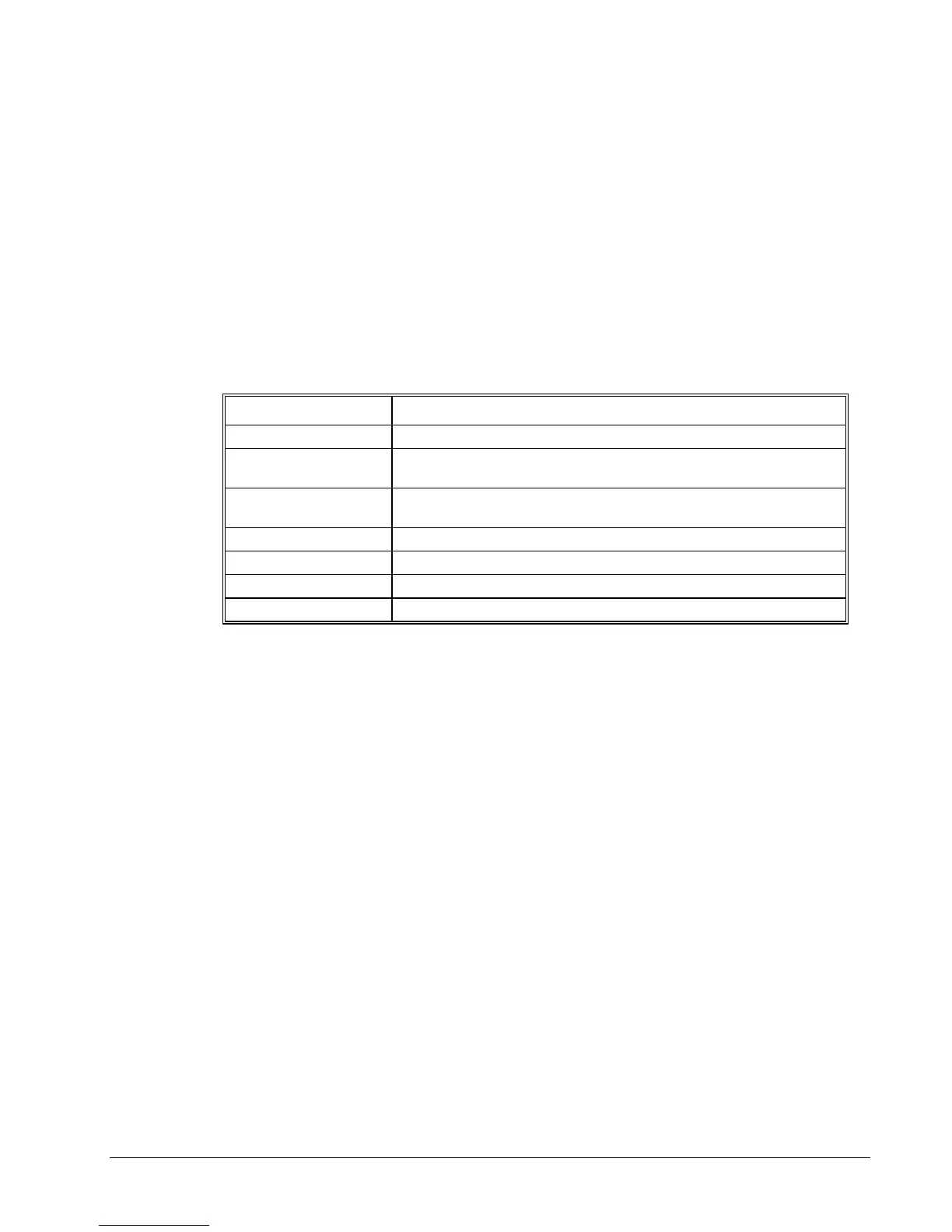
Instruction Interpretation
#DISPLAY Label
DM posA[7] Define Array POSA with 7 entries
PR 1000 Position Command
BGX Begin
AMX After Motion
v1=_TPA Assign Variable v1
posA[1]=_TPA Assign the first entry
v1= Print v1
Interrogation Commands
The DMC-2x00 has a set of commands that directly interrogate the controller. When these command
are entered, the requested data is returned in decimal format on the next line followed by a carriage
return and line feed. The format of the returned data can be changed using the Position Format (PF),
and Leading Zeros (LZ) command. For a complete description of interrogation commands, see Ch 5.
DMC-2X00 Chapter 7 Application Programming y 155



 To Next Page