Installation
G&D DVIMUX2-DL-USB · 8
English
DVI-I CPU: If the computer is equipped with a DVI-D video output, use a digital
video cable
(DVI-D-DL-M/M). If the computer has an analog VGA output, use an
analog video cable
(VGA-M/DVI-A-M).
Connect the (first) video output of the computer to this interface.
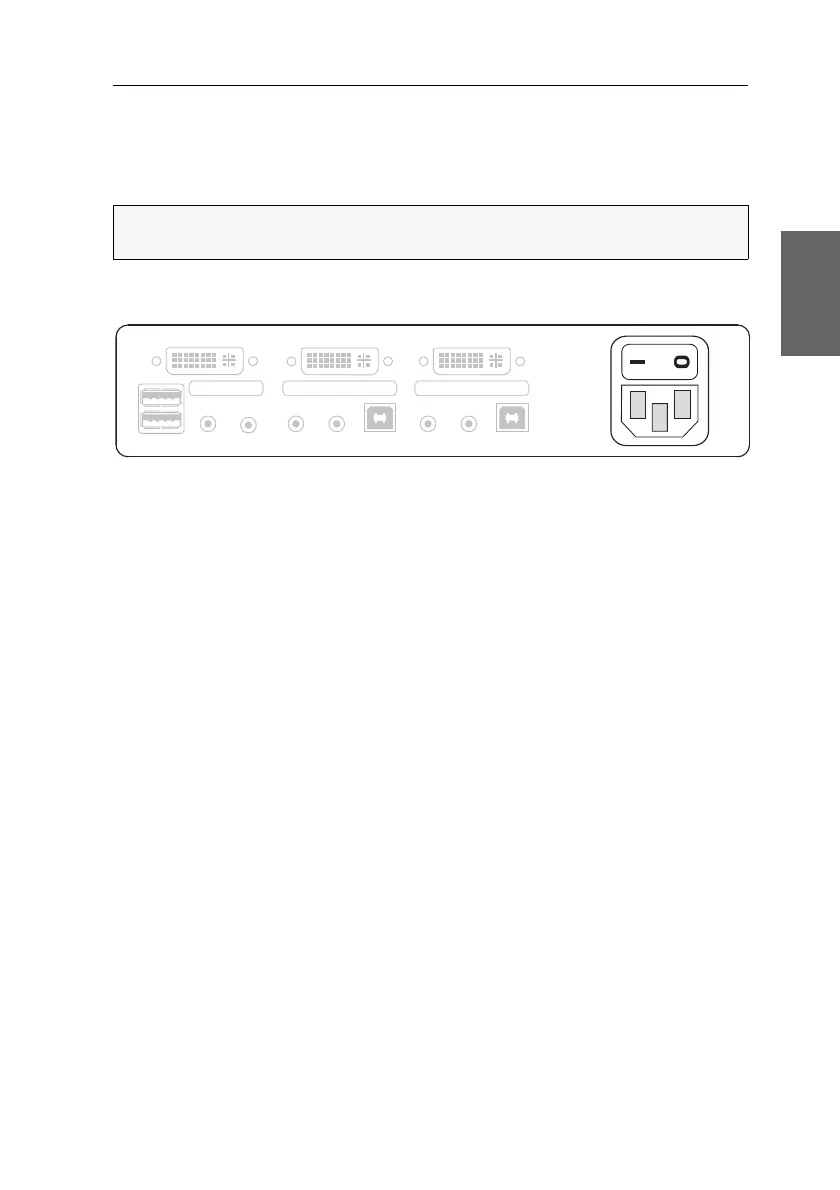
Connecting the power supply
Power: Connect the power cable (PowerCable-2 Standard) to a power outlet and the
Power socket of the KVM switch.
NOTE:
If you purchased the multi-channel variant of the KVM switch, connect the
DVI-I CPU x.2 interface to the correspending video output of the computer.
Figure 4: Interface to connect the power supply
Monitor 1
Keyb./Mouse
Speaker
CON
Line In
Power
Line In
USB 2.0
Line Out
CPU 1
DVI-I CPU 1
Line In
USB 2.0
Line Out
CPU 2
DVI-I CPU 2


 To Next Page