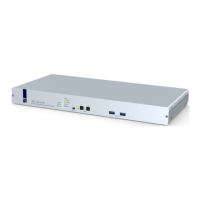
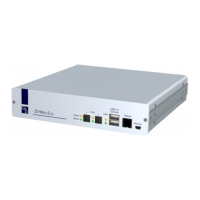
Configuration
G&D DVIMUX2-DL-USB · 32
English
Enabling/disabling switching by mouse
If the console mouse is a Microsoft »IntelliMouse Explorer« or a compatible 5-key
mouse of another manufacturer, the mouse can be used to switch between channels.
The switching by mouse is disabled in the defaults. Use the setup menu to enable or
disable the function and choose between the following options
:
Single: Use the mouse to switch to the previous or the next channel.
Multiple: Access the previous or the next channel - or several channels - by mouse.
No: Switching by mouse is disabled.
How to enable/disable switching by mouse:
NOTE:
Switching by mouse can be enabled/disabled in the setup menu only.
Setup Menu
1. Use the terminal emulator to establish a connection to the KVM switch.
If the setup menu is not displayed, the Monitoring mode of the service port is
enabled. Enter
»!« to switch to the setup menu.
2. Use the Arrow or Arrow keys to select Select Channel via Mouse.
3. Press the Space key (repeatedly) to choose between the following options:
No
Single
Multiple
4. Press the S key to save your settings.


 To Next Page