Edge
®
820
19
EN
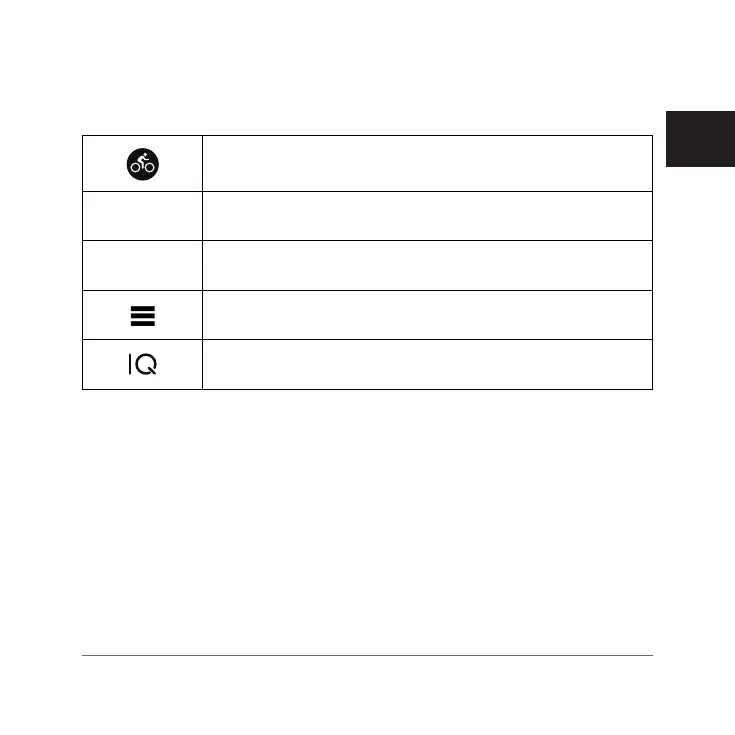
Home Screen Overview
The home screen gives you quick access to all the features of the Edge device.
Select to go for a ride.
Use the arrows to change your activity profile.
Navigation
Select to mark a location, search for locations, and create
or navigate a course.
Training
Select to access your segments, workouts, and other train-
ing options.
Select to access your history, training options, personal
records, contacts, and settings.
Select to access your Connect IQ
™
apps, widgets, and data
fields.
Using the Backlight
You can tap the touchscreen to turn on the backlight.
1 From the home screen or a data screen, swipe down from the top of the
screen.
2 Select Brightness.
• To manually adjust the brightness, use the arrows.
• To allow the device to automatically adjust the brightness based on the
ambient light, select Auto Brightness.
NOTE: You can adjust the backlight timeout
(Display Settings, page 90)
.
Edge 820_SEA英泰印 [4.75x4.75]-7.indd 19 2016/8/27 下午 03:01:29



 To Next Page
 Loading...










