20
Edge
®
820
EN
Using the Touchscreen
• When the timer is running, tap the screen to view the timer overlay.
• The timer overlay allows you to return to the home screen during a ride.
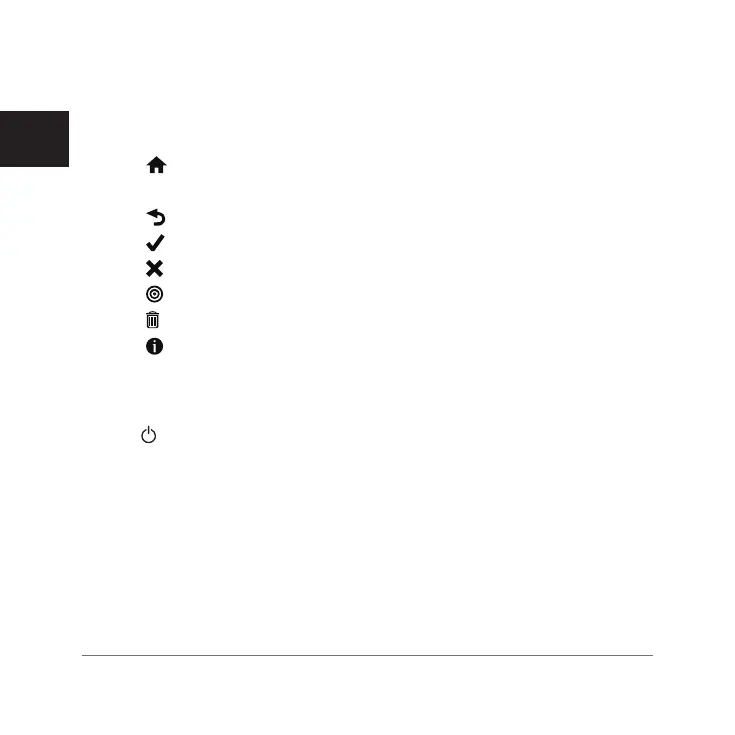
• Select to return to the home screen.
• Swipe or select the arrows to scroll.
• Select to return to the previous page.
• Select to save your changes and close the page.
• Select
to close the page and return to the previous page.
• Select to search near a location.
• Select to delete an item.
• Select
for more information.
Locking the Touchscreen
You can lock the screen to prevent inadvertent screen touches.
1 Hold .
2 Select Lock Screen.
Acquiring Satellite Signals
The device may need a clear view of the sky to acquire satellite signals. The
time and date are set automatically based on the GPS position.
1 Go outdoors to an open area.
The front of the device should be oriented toward the sky.
2 Wait while the device locates satellites.
Edge 820_SEA英泰印 [4.75x4.75]-7.indd 20 2016/8/27 下午 03:01:29



 To Next Page
 Loading...










