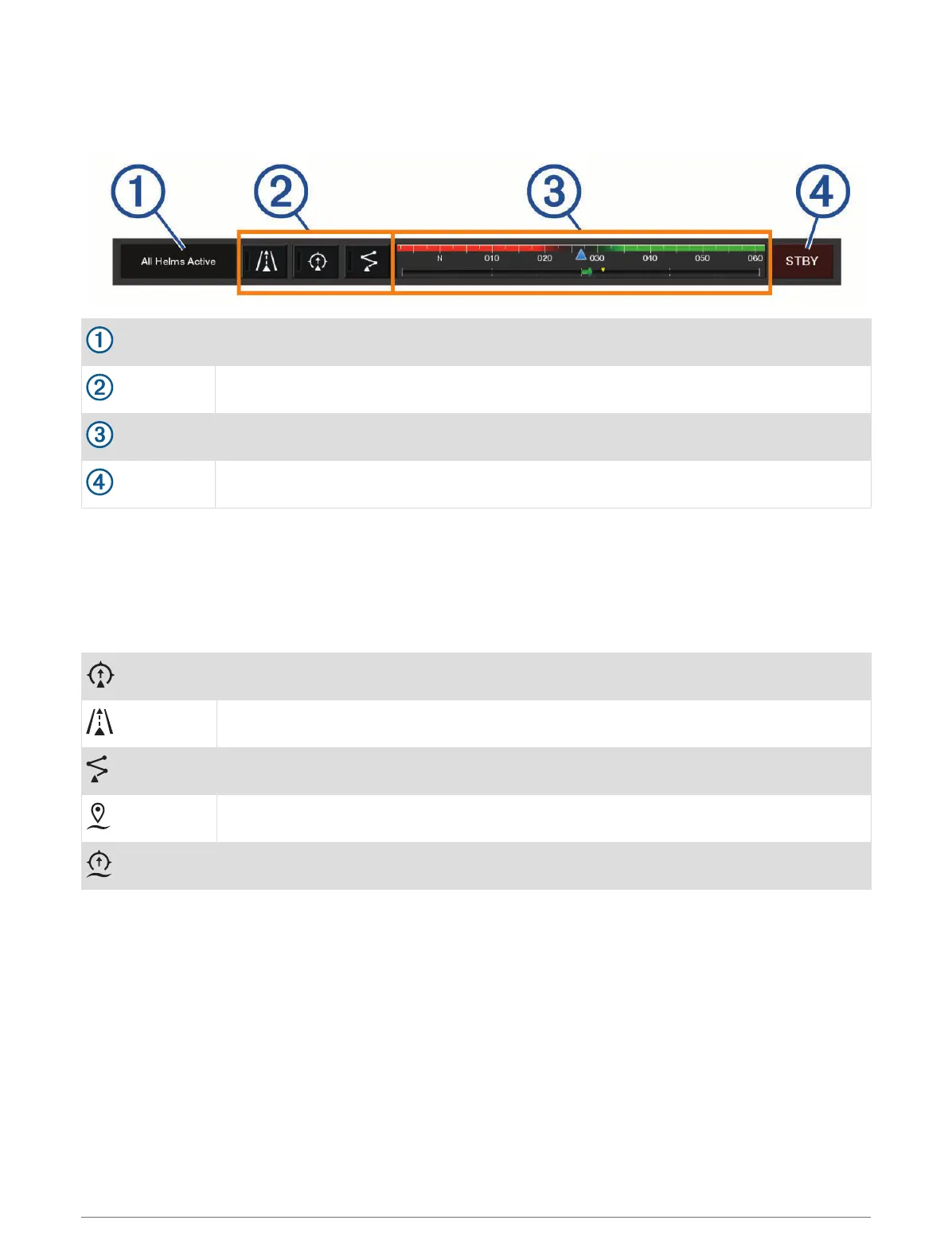
Optimus Overlay Bar Overview
To use the overlay bar, you must connect your Optimus system to your chartplotter and add the overlay bar to
the necessary screens (Activating the Optimus Overlay Bar, page 130).
Control mode
Optimus control buttons
Rudder
Standby button
You must press a mode button on the overlay bar to engage or disengage the mode. When the mode is
engaged, the button is illuminated.
The overlay bar configuration and buttons vary, based on systems, modes, and equipment. Refer to your
Optimus documentation for more information.
Optimus Overlay Symbols
Autopilot heading hold
Autopilot track mode
Autopilot route mode
SeaStation
®
position hold
SeaStation heading hold
Dometic
®
Optimus
®
Features 131



 To Next Page